


Summary
- Compatibility Mode in Black Myth: Wukong helps older hardware by reducing graphical quality and improving framerate.
- It is accessed on Steam through launch options and can be beneficial for those experiencing lag or glitches.
- While it makes the game look worse, Compatibility Mode stabilizes performance and enhances accessibility.
Black Myth: Wukong is a gorgeous game with a plethora of accessibility features to help players experience it in the way that suits them best. One such accessibility option that players are presented with when booting the game up on PC is the Compatibility Mode. However, Black Myth: Wukong doesn't explain what this mode does or how it affects the overall experience.
Fortunately, this is a very helpful feature, especially for those who are struggling to run Black Myth: Wukong. While players can choose between two graphical settings in Black Myth: Wukong, the Compatibility Mode is a far more advanced option for those who desperately need it. It isn't particularly complex, and once fans know what it does, they'll likely be switching it on.
Black Myth: Wukong Compatibility Mode Gets It Running On Old Hardware
It Lowers The Graphical Quality And Framerate


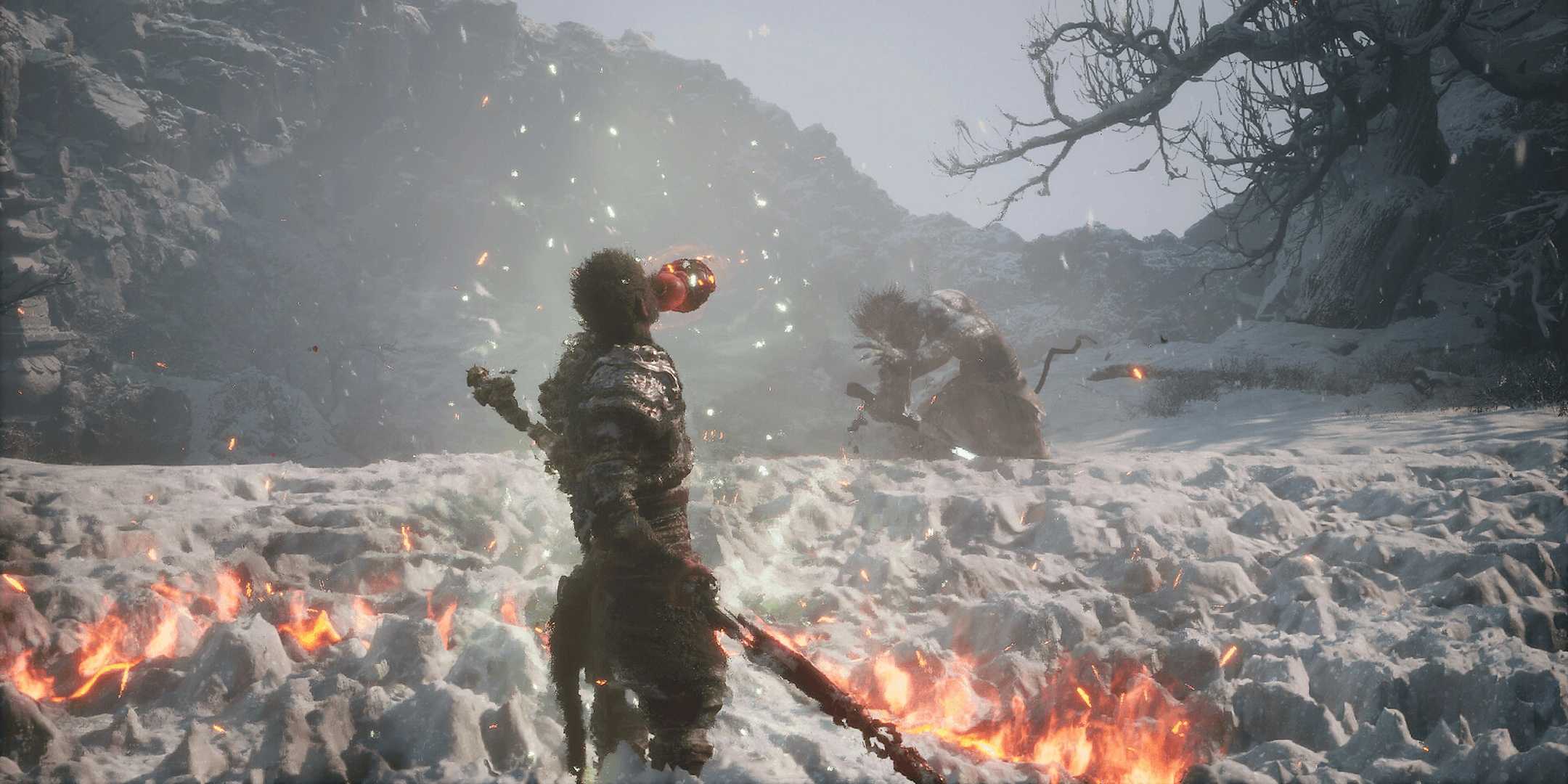
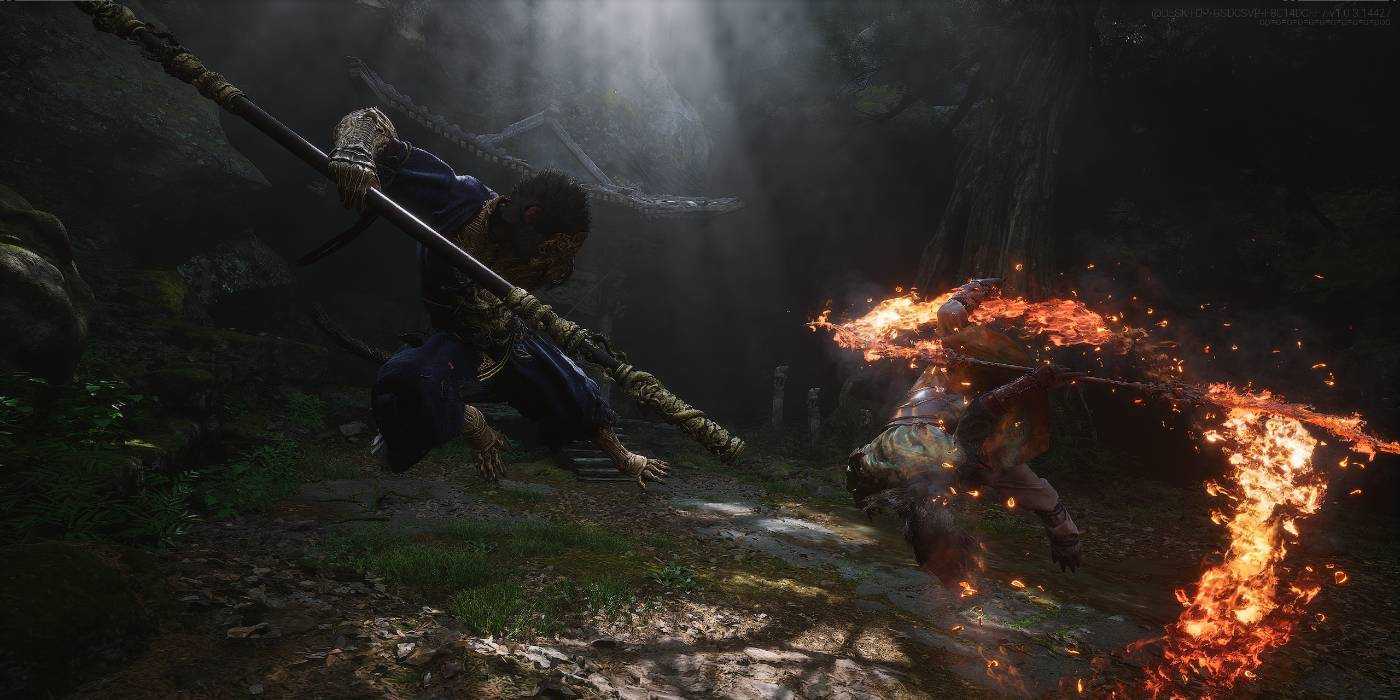
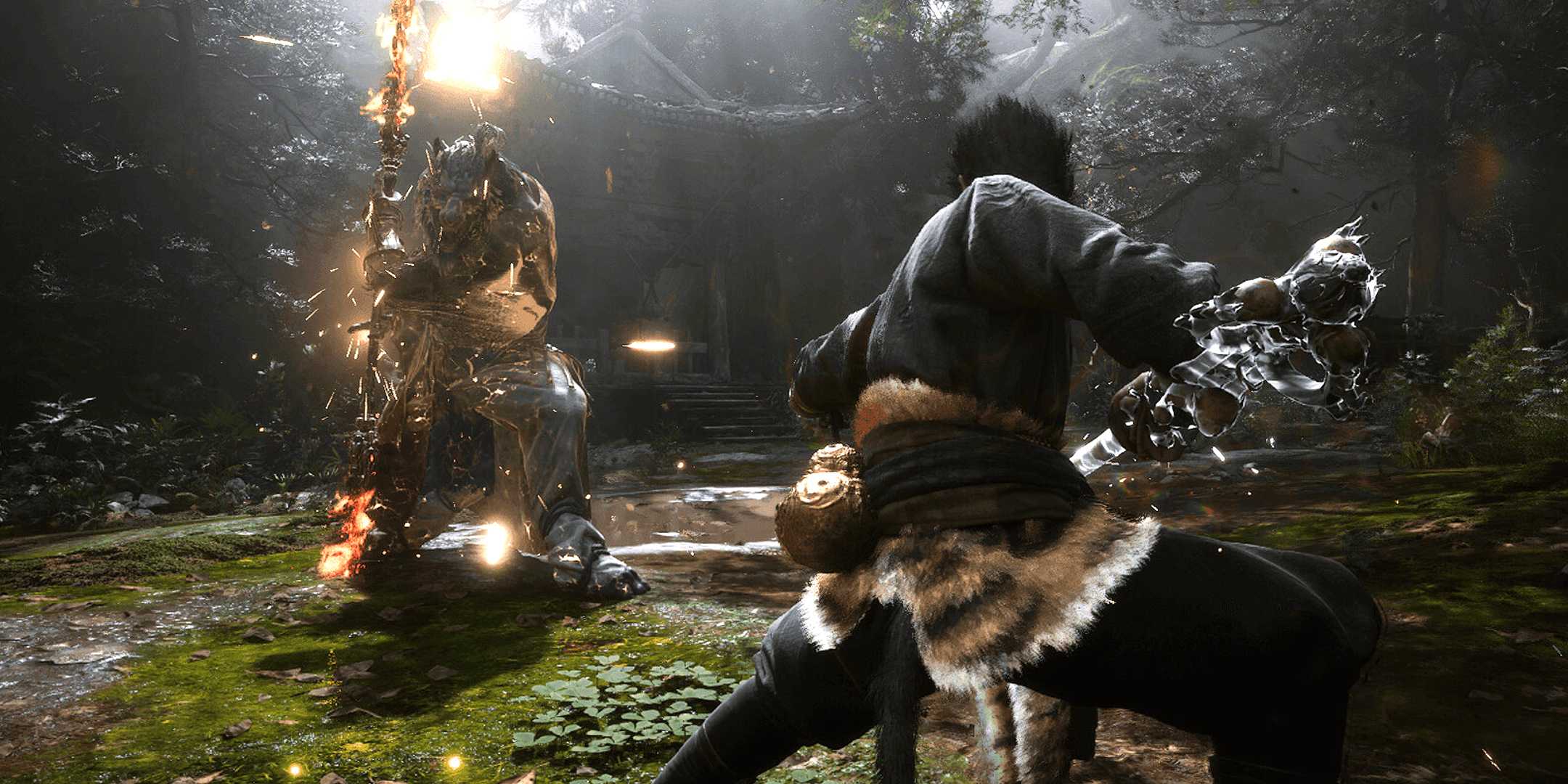



Black Myth: Wukong's Compatibility Mode exists to help those on older hardware run the game without any lag or issues. It does this by turning off settings intended for higher-end PCs that are typically taxing on the framerate, making it an overall smoother experience. The option appears when players start Black Myth: Wukong on Steam, with the other option being to just start the game with its default settings enabled.
If the option to enter Compatibility Mode doesn't appear when starting Black Myth: Wukong via Steam, players need to select the cogwheel icon on the right of the Play button, and then go to properties and set the preferred launch option to Compatibility Mode under the General tab. Similarly, to get Black Myth: Wukong to launch in Compatibility mode on the Epic Games Store, players will need to click on the three dots symbol, select Manage, and then choose Compatibility Mode in the launch options.
The Compatibility Mode does make Black Myth: Wukong look substantially worse and brings the framerate down significantly, albeit making it far more stable in the process. Players looking for the flashiest and most visually impressive version of Black Myth: Wukong should avoid the Compatibility Mode at all costs. It is really only intended for those who are struggling to run the game.
Black Myth: Wukong's Compatibility Mode Is Good Anyone Experiencing Lag
It Also Helps Reduce Glitches And Other Performance Issues

Black Myth: Wukong's Compatibility Mode is definitely worth turning on for players who are experiencing a lot of lag, glitches, or other performance-based issues. However, it should not be turned on by default, as it generally worsens the overall experience. Players should first try the default mode and see if that runs smoothly for them.
If the base Black Myth: Wukong experience is too laggy or runs poorly, players should then switch to the Compatibility Mode. It is amazing that the mode exists at all, as it makes the game far more accessible. Fortunately, for those who were worried Black Myth: Wukong might not run on their PC, the Compatibility Mode might just fix that.




- Developer(s)
- Game Science
- Platform(s)
- PlayStation 5, PC, Xbox Series X, Xbox Series S
- Genre(s)
- Action RPG
- How Long To Beat
- 39 hours


The studio behind Black Myth: Wukong, Game Science, has previously been accused of fostering a toxic environment for its workers. The 2023 allegations include sexualized comments against women, misogyny, fatphobia, and more. More details can be found here.
