


It's undoubtedly a lot more fun shopping for and trying out the latest gadgets than it is caring for or cleaning them and gaming headsets are no exception. Mice and keyboards are some of the worst offenders with gunk managing to find its way to every crevice. Products have been specifically designed to clean keyboards, but when caring for your gaming headset, most people already have the necessary items at home.
Why You Should Keep Your Gaming Headset Clean
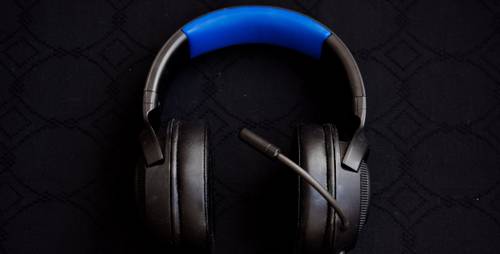
Over long gaming sessions, especially when the room temperature is on the high side, moisture and sweat can do a number on the ear cups and headbands of a gaming headset. Dust and dirt manage to find their way into all the seams and grooves, especially around the housing for the left and right speakers. Many of us love to upgrade to the latest and greatest devices or in some cases your gaming headset may not be compatible with a new device that you are using. The best way to keep your headset working as it did out of the box and maintain resale value, is to regularly clean it before the task becomes overwhelming.
How To Easily Clean A Gaming Headset
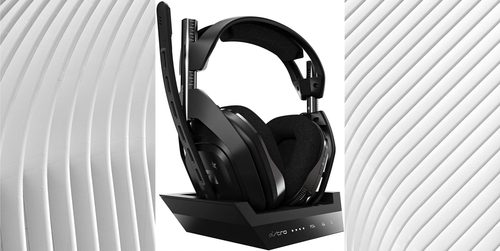
The first step in cleaning a gaming headset is to disassemble as many parts from the main unit as possible. Not all headsets allow owners to remove the ear cushions, headband, cord, or external microphone but the Astro A50 is one example of a model that is especially easy to care for. In some cases, you can even purchase replacement parts if the material on the cushions is torn and damaged beyond repair. Once parts are removed, it becomes far easier to reach all areas that dirt or dust gets trapped in.
What You Need to Clean Your Gaming Headset
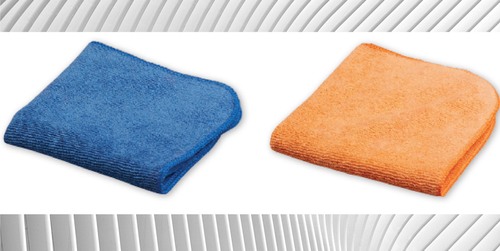
If you have a lot of electronics, you most likely already have plenty of microfiber cleaning cloths lying around. In addition, gather some soap, alcohol wipes, a cleaning brush, and some q-tips. A can of compressed air or a powered air duster can also be useful in dislodging any stubborn dirt or dust.
How To Make Your Gaming Headset Shine And Smell Like New
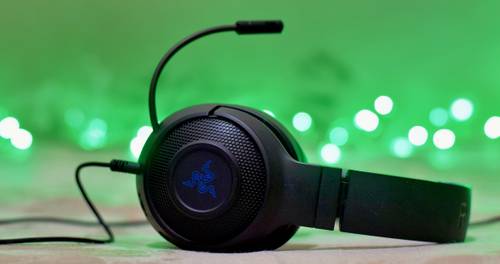
Once you have disconnected or dissembled the headset as much as possible, you can begin by using alcohol wipes to scrub all the plastic parts of the unit. It's not recommended to use any alcohol solutions on velour or leather cushions as it could dry out and crack the material. Instead, to clean ear cups or headband cushions, dip a microfiber cloth in some mild soapy water just enough to make it damp but not dripping, and gently scrub in circular motions. Q-tips can be used to clean any hard-to-access areas. If the speaker grills or other internal parts are exposed, take extra caution to keep those areas dry. It's common for dirt to get entrapped in the grooves around where the ear cups attach, so any thin dull object can be used to move along the seams of these parts to remove the gunk. If your wireless gaming headset has a base station or can be wirelessly charged, wiping the charging contacts with alcohol can prevent any failed charging sessions. Don't forget to clean the external mic or any cords before reassembling and testing to make sure your gaming headset is working properly.
Give Your Gaming Headset A Home
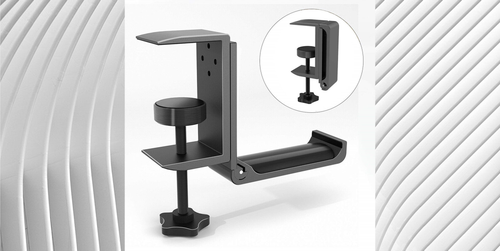
After caring for your gaming headset with a thorough cleaning, it's not a good idea to keep it lying on the floor where it can be stepped on and crushed. Headphone hangers or holders can be attached to the bottom of desktops and are a great way to not only protect a gaming headset from damage but also allows owners to show off their sleek-looking gaming gear.
