

Summary
- Next-gen upgrade for Fallout 4 promised enhancements, but PC players faced several issues and crashes post-launch.
- Modders offer 'downgrade' mods to revert Fallout 4 to a pre-upgrade state, addressing compatibility issues with popular mods.
- The Fallout 4 Script Extender mod is no longer compatible with Fallout 4's next-gen upgrade, causing frustration among PC gamers and mod developers.
The long-awaited next-gen upgrade for Fallout 4 launched earlier this month on PC, Xbox Series X/S, and PlayStation 5. Bethesda promised enhancements such as new Performance and Quality mode settings available across all platforms, as well as stability improvements and fixes, but upon its release, there have been complaints of texture issues, crashes, freezes, plummeting framerates, resolution glitches, and more. While one of the selling points for the patch was the inclusion of ultrawide monitor support, many found that this merely stretched out the user interface with no FOV slider to be able to fix that as well.
Steam Deck users have also reported issues with their settings being wiped out by the next-gen update, despite the update making it a "Verified" title, which should ensure a smooth gameplay experience on the handheld device.
The issues seem to be worse on PC in general, but many PC players have found their game in an even more broken state due to the number of mods they had installed over the years that were no longer supported. Therefore, modders have taken it upon themselves to offer "downgrade" mods that will revert the game to the state it was in before the next-gen upgrade. For those who play Fallout 4 on Steam, Bilago’s "Steam - Skip Next-Gen Update" mod tricks the launcher into thinking the game has been updated and will stop it from automatically updating or prompting players to run the update to open their game. Another popular mod by Zerratar, called the "Fallout 4 Downgrader" caters specifically to the issue of players being unable to run non-Creation Club mods.
The Downgrader Mod Reinstates Fallout 4 Script Extender Mods
The F4SE Mod Was Integral To Getting Other Mods To Work



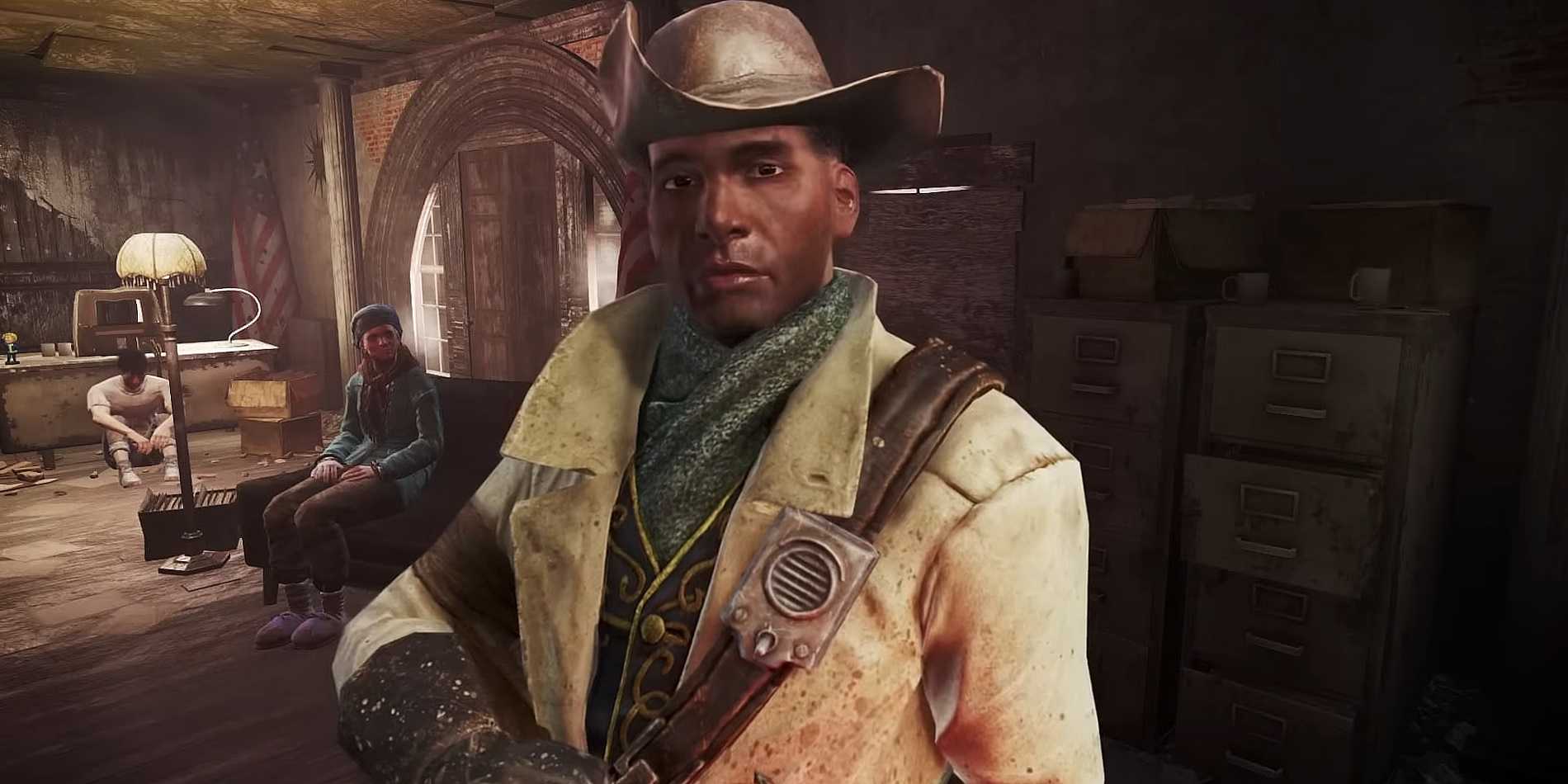
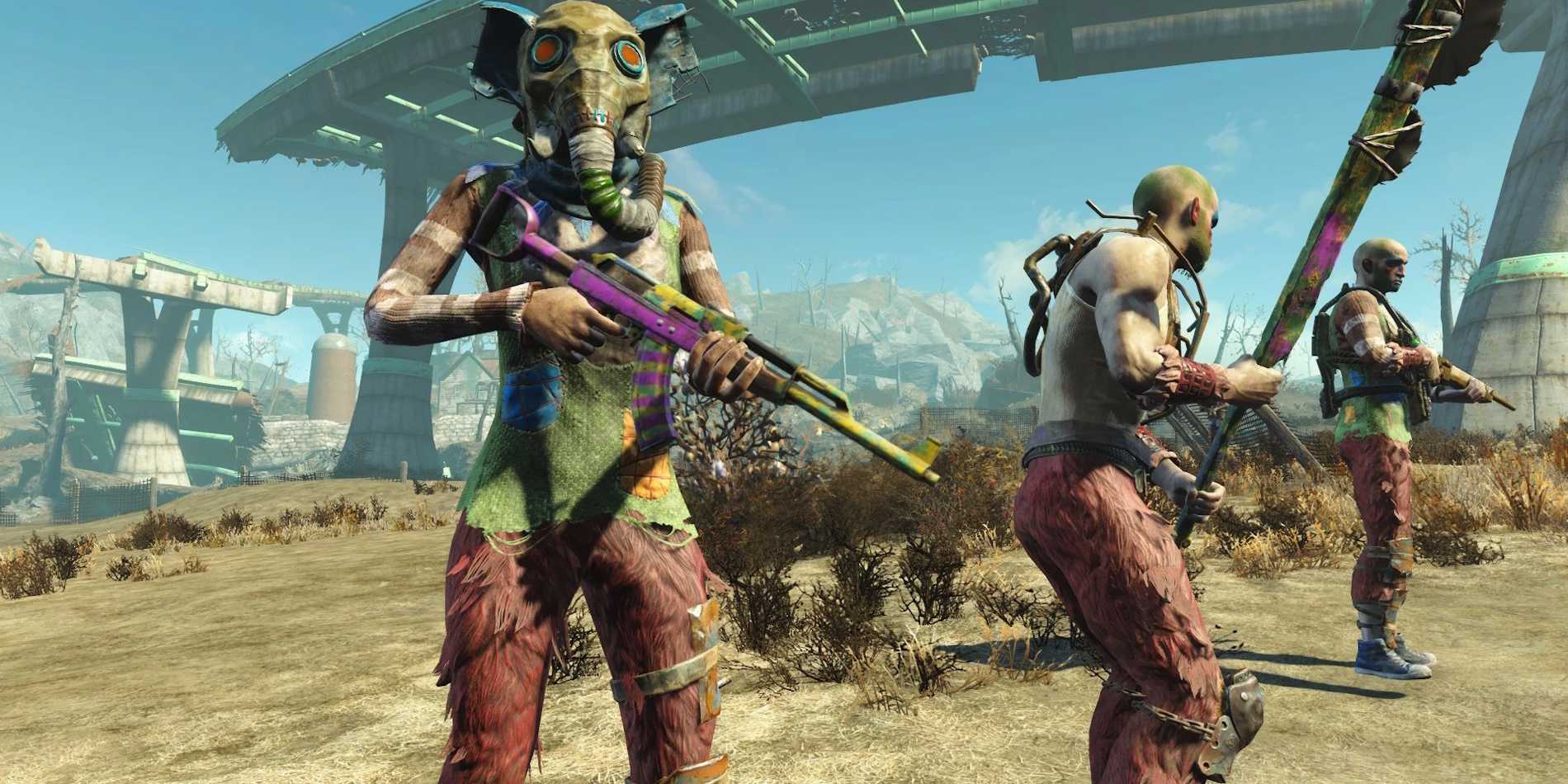

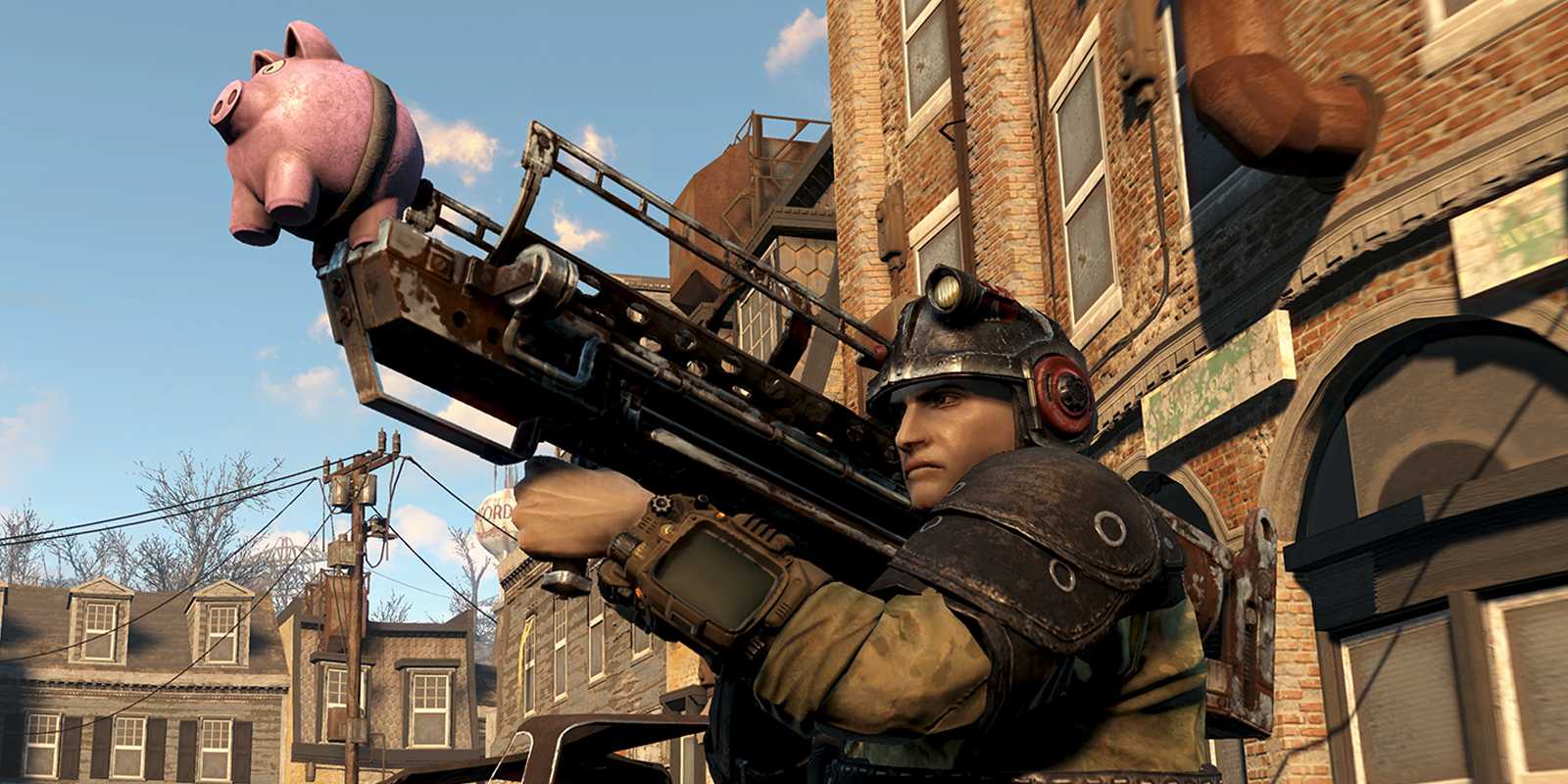





One of the main issues those with mods had when the next-gen update launched was that it was no longer compatible with the popular Fallout 4 Script Extender (F4SE). Script Extender was a third-party mod that - as its name would suggest - expanded the scripting capabilities in Fallout 4 that most non-Creation Club mods needed to run without modifying the executable files on disk, ensuring there were no permanent side effects. A similar sort of issue occurred when another of Bethesda's titles, Skyrim, released its "Anniversary Edition" patch back in 2021, causing several mods to stop working.
While this largely impacts PC gamers as those accessing Fallout 4 on consoles only have access to Creation Club mods, it has caused some contention among the Fallout 4 community. Even though it's expected that not every mod will work after a major update to a game, Bethesda had stated that it had worked to "minimize impact to the majority community mods" in a post on X days before the patch launched, but missing major ones such as F4SE feels like a major oversight considering how many other mods depended on this to run. Fortunately, the team behind F4SE has confirmed it is working on a fix to help get it to a compatible state with the new patch and reinstate the broken mods.
Unfortunately, There Isn't A Fix For Fallout 4's Issues On Consoles Yet
Xbox Series X/S Seems To Be Experiencing More Problems Than PlayStation 5












While those who play Fallout 4 on PC have a way to get out of the next-gen update, this is trickier on consoles, especially for those who only purchased the next-gen native apps on Xbox Series S/X or PS5. Those who own a disc copy can always try to go offline and run the game off their disc, but this does mean they'd be playing the base version of the game without any of the patches that followed its launch.
Notably, those on Xbox Series X/S seem to be having a worse experience with Fallout 4's next-gen version than PlayStation 5 players are. According to Forbes, there have been reports of a completely broken Quality mode on Xbox Series X/S where disabling Performance mode doesn’t do anything, with the game's resolution staying the same and the title being locked to 60 frames per second. Bethesda has responded to these complaints on its X account, stating that "It actually targets 4k 60fps in all modes. Performance Mode is more aggressive in lowering settings to maintain this target." which The Verge's Tom Warren points out contradicts the Patch notes, which mention a 40fps mode on a 120Hz display in Quality mode.
Hopefully, Bethesda will continue to look into some of the complaints players have had about Fallout 4's next-gen update soon, especially considering the series' recent resurgence in popularity - largely due to the successful Amazon Prime Video TV adaptation - bringing the largest player counts the series has seen in years.
Sources: Bilago/Nexus Mods, Zerratar/Nexus Mods, Fallout 4 Script Extender/Nexus Mods, Bethesda Game Studios/X (1, 2), Forbes, Tom Warren/X


 OpenCritic Reviews


Bethesda's action RPG Fallout 4 puts players into the vault suit of the Lone Survivor, a pre-war soldier from an alternate future cryogenically frozen inside Vault 111. After their infant son is kidnapped, they venture out into the irradiated wasteland of the Commonwealth to scour the ruins of Boston for any sign of him. In doing so, they encounter various factions and companions and use an array of skills and abilities to navigate the apocalyptic remnants of society.
- Platform(s)
- PC, PlayStation 4, PlayStation 5, Xbox One, Xbox Series X, Xbox Series S
- How Long To Beat
- 27 Hours

