


In Fallout: New Vegas, cheat codes are one way that players get around various bugs or progress faster than they would have. It also can allow players to manipulate their characters or the characters around them. There are many ways to manipulate the game, and it can be useful to know them to get the most out of your playthrough.
With the launch of the Fallout television show, there has never been a better time for a sequel to Fallout: New Vegas, but with no news of a sequel on the horizon, players will have to satisfy their desire for more content by replaying old games. When revisiting or starting Fallout: New Vegas for the first time, PC players will have the advantage of being able to enter Cheat Codes into the command console and change the game parameters to their liking.
To use the cheat codes, press the ~ key while in-game and unpaused, which will make the HUD disappear and bring up a prompt in the lower left corner where you can enter the cheat code desired. You may have to be using a mouse to select the prompt box. In the Steam version of the game, using any of the codes in the command console will turn off achievements.
Player Codes

There are also certain codes that affect the player character's condition or status. This can be anything from changing your character's cosmetics to changing the state of their reputation or their standing with a faction in Fallout: New Vegas. This can also affect things like player level, skill points, and perks.
|
Code |
What It Does |
|---|---|
|
addreputation |
Adds reputation with the indicated faction. This maxes out at a value of 100. |
|
removereputation |
This removes reputation with the indicated faction. The smallest value that can be input is 0. |
|
setreputation |
This can set your reputation with the indicated faction to a specific amount. Values can range from 0-100. |
|
removefromallfactions |
This makes it so you can remove the Courier from all factions and the "Player" faction. This can be fixed with the code player.AddToFaction0001b2a4 1 (for all base game factions) Replace "01b2a4" with 00B42E for the Honest Hearts DLC, 016154 for Old World Blues DLC, and 003E41 for Lonesome Road DLC. |
|
setally |
This allows you to set two factions' alliance status with each other. |
|
setenemy |
This allows you to make set the enemy status of two factions with each other. |
|
RewardKarma |
This allows you to increase your Karma. You can also decrease your Karma using negative numbers. |
|
player.setscale |
With 1 being the default value, you can set the scale of your character's appearance. |
|
player.getav |
You can see the current values of Skills, S.P.E.C.I.A.L., or Karma using this code. |
|
player.modav |
This allows you to change the current values of Skills, S.P.E.C.I.A.L., or Karma. |
|
player.restoreav |
Increases the value of a specific stat by a numerical value until it reaches the maximum allowance. |
|
player.damageav |
Inversely, this reduces the value of a specific stat by a numerical value until it reaches the minimum allowance. |
|
player.forceav |
This allows you to set the precise value of a Skill or S.P.E.C.I.A.L. level. ActorValue = the Skill or Special name. Skills can range from 1-100. S.P.E.C.I.A.L. can range from 1-10. |
|
player.advlevel |
This increases your current level by 1. However, you do not gain the Experience Points from this cheat. You will still have to gain the requisite number of points for your previous level and the next one to advance normally. |
|
player.rewardxp 15000 |
This grants you an immediate 15000 Experience Points. You will gain any levels earned immediately. |
|
showracemenu |
Allows you to edit your character's race. |
|
showbarbermenu |
Allows you to edit your character's hair. |
|
shownamemenu |
Allows you to rename your character. |
|
showplasticsurgeonmenu |
Allows you to edit your character's face. |
|
showsleepwaitmenu 1 |
Opens the sleep/wait menu. |
|
player.showrecipemenu |
This allows you to open a crafting menu from a specified category. |
|
player.addperk |
Adds the perk or trait to your character. |
|
player.removeperk |
Removes the perk or trait from your character. |
|
sexchange |
Allows you to change the sex of your character. |
|
player.setspeedmult |
This can change your movement speed by a dedicated percentage. Default is 100, with higher numbers making you faster and lower numbers making you slower. |
|
showtraitmenu |
This allows you to re-pick your starting traits. |
|
player.setlevel |
This sets your player level to the specified value. |
|
player.resethealth |
Reset your health. |
|
player.agerace |
You can change your age if your race has sub-categories of races. -1 = child, 1 = adult, 2 = elder. |
|
payer.sethardcore |
This changes the game mode to and from hard core mode. 1 activates it, 0 disables. |
Item Codes

There are a lot of useful and potentially dangerous items in Fallout: New Vegas. You may be frustrated if you cannot find that one item you are looking for, but luckily items are readily available with a few simple clicks on the command console. This allows you to add, remove, or affect the condition of various items, which can be handy for selling, trading, or making them nice and shiny again for yourself.
|
Code |
What It Does |
|---|---|
|
player.setweaponhealthperc |
Repair your currently equipped weapon by set percentage (%) |
|
player.additem |
Add a certain amount of the item, indicated by the form ID, to your inventory |
|
player.removeitem |
Remove a certain amount of an item from your inventory |
|
player.addnote |
Add the note indicated by the form ID to your inventory |
|
player.removenote |
Remove the indicated note from your inventory |
|
player.additemhealthpercent |
Add item to your inventory in a designated percentage of repair - the percentage should be indicated in the |
|
setownership |
Change the ownership of an item |
|
clearnownership |
Remove the ownership of an item |
|
unlock |
This can unlock most doors, safes, terminals, and other locked items/containers/places. However, there are a few locked examples of the above that this cheat will not work on. |
|
lock |
Lock doors, safes, terminals, or other unlocked items/containers. Set the level to determine how hard or easy it is to unlock the item. Use 101 to make the item un-lockpickable. |
|
activate |
Doors, switches, radios, among other things, can change states, and this cheat allows you to select which state the item is in. |
|
player.srm |
This allows you to self-repair items up to your current skill value. You may have to pick and choose items if you do not have enough caps to cover the repair. However, you will gain the caps you lost when the action is completed. |
|
setpccanusepowerarmor 1 |
This allows you to be able to wear power armor. Additionally, typing 0 instead of 1 will remove your ability to wear power armor. |
|
player.showinventory |
This allows you to see your full inventory and the form IDs of all items in your inventory. |
|
resetinventory |
Allows you to reset the inventory of any selected container. |
|
search |
Search for a specific item or object. |
Quest/NPC Manipulation Codes


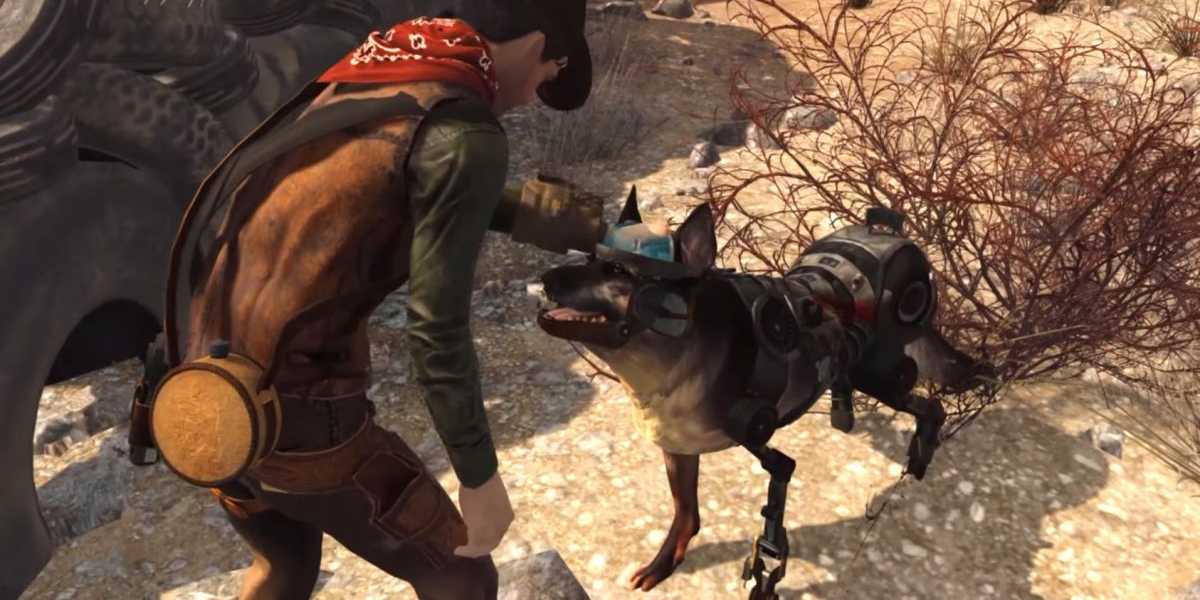
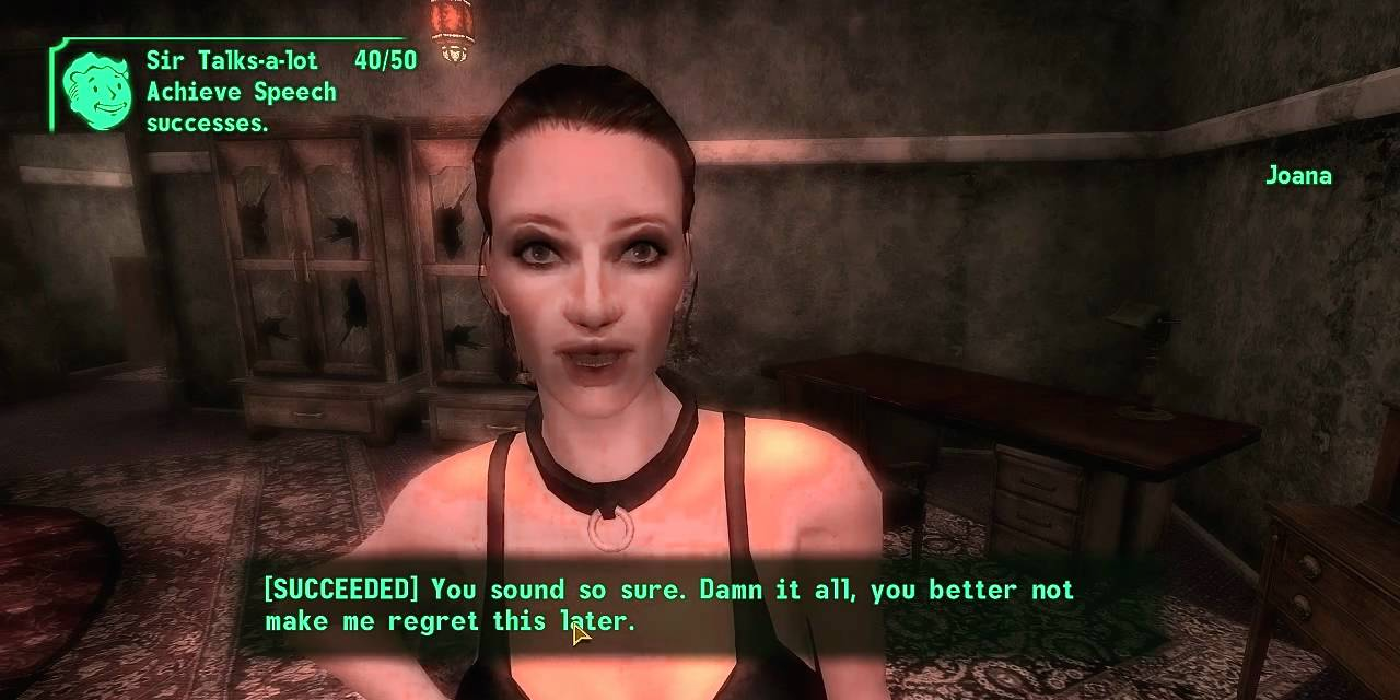
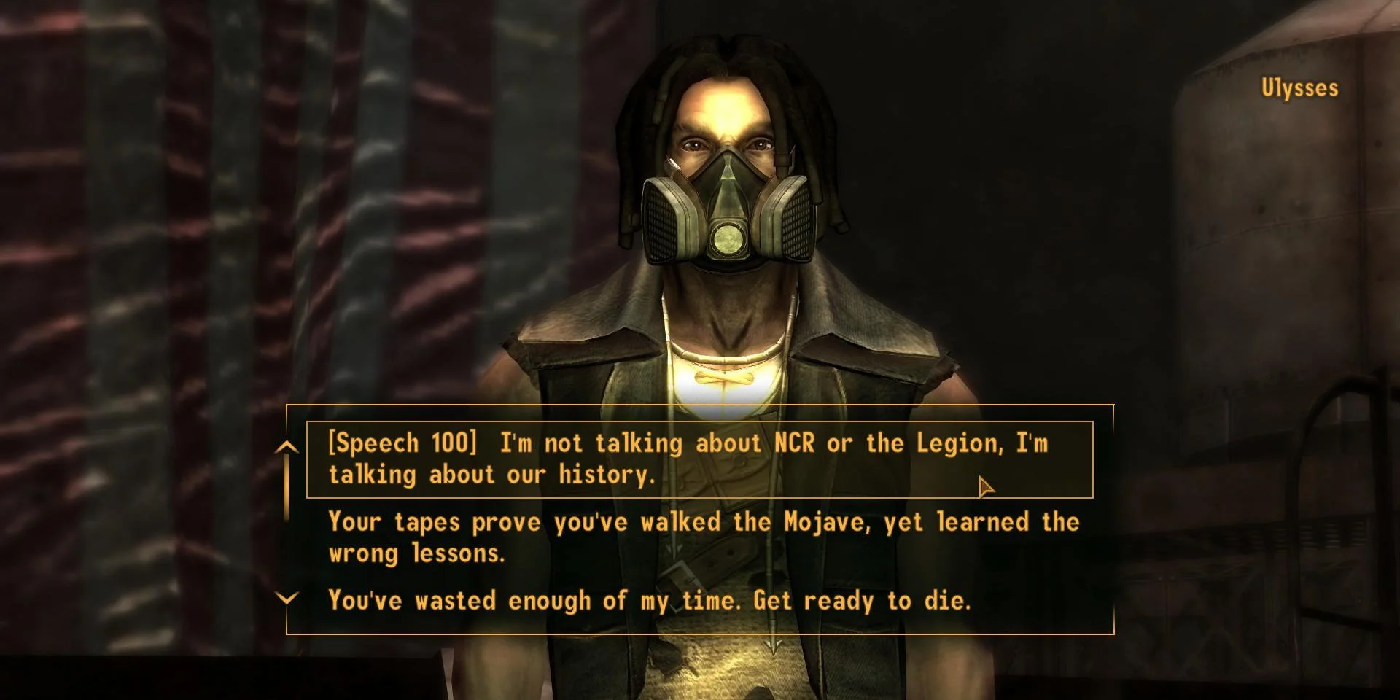
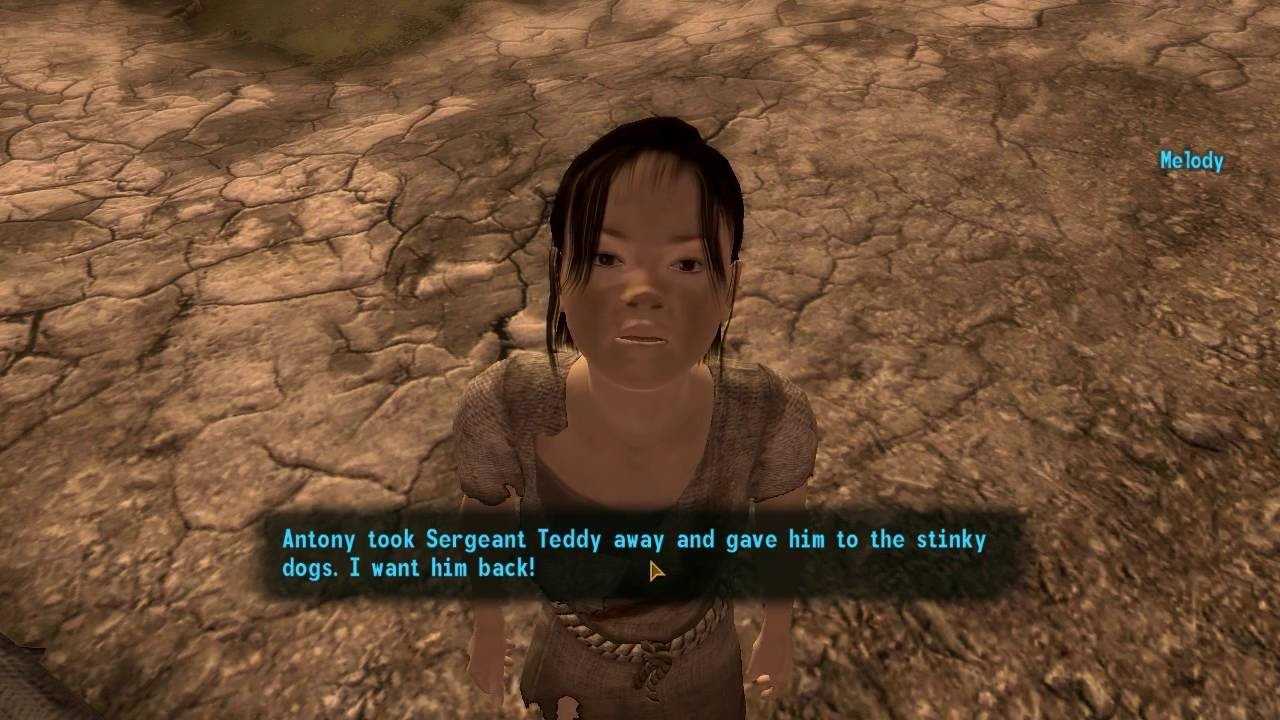
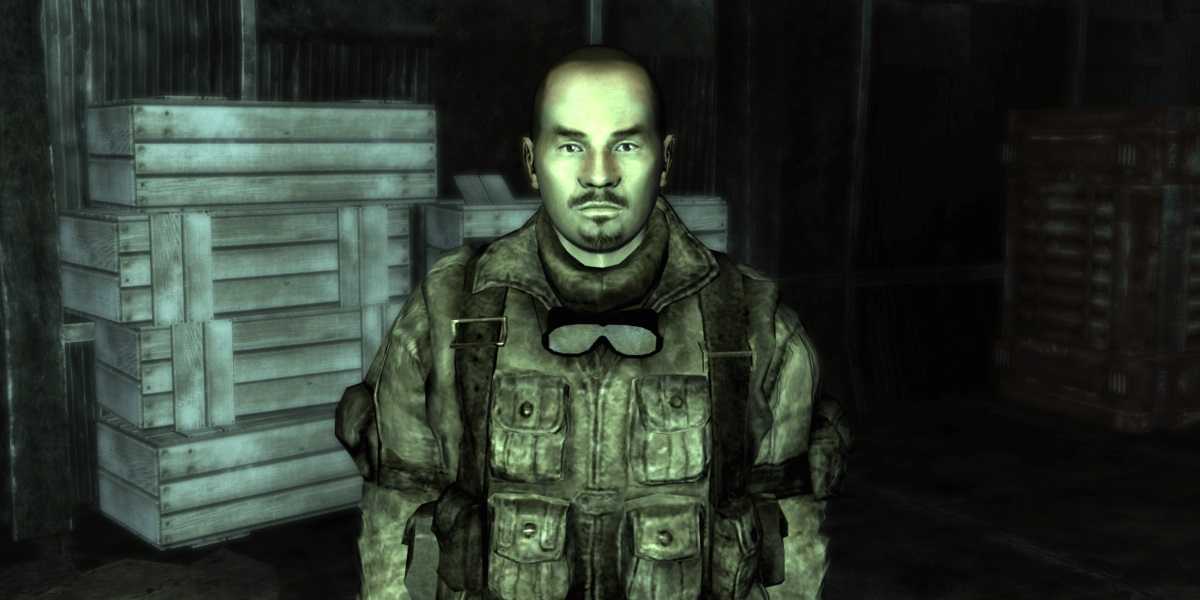
These are codes that affect the mechanics of the game around you, such as non-playable characters in Fallout: New Vegas, other actors, or quests. This can help you reset quests that are bugged out, move across the map, or get past the hostility of certain NPCs to complete quests. Some of these codes should be used with caution, as many of them are capable of breaking certain parts of the game if used recklessly.
|
Code |
What It Does |
|---|---|
|
resetquest |
This resets the current quest and removes it from the quest log. You may have to replay other parts of the game to receive the quest again. Additionally, this cheat has been known to break the game in various ways so use it with caution. |
|
movetoqt |
This allows you to move to the location of the current quest target. |
|
showquestlog |
Shows the entire quest log including player actions. |
|
GetQuestCompleted |
This is a way to check if your current quest is completed or not. If you see a 1, the quest is complete, if you see a 0, it is not. |
|
sqt |
This gives you a list of current quest targets. |
|
completequest |
This completes your current quest. |
|
caqs |
This essentially completes the game without ending it and removes all quests from the game. |
|
setstage |
This can be used to skip certain stages of quests, which is particularly useful in stages that are known to be bugged. |
|
setobjectivedisplayed |
Sets which objective is displayed and the progress in your quest log. Pick 1 to display or 0 to remove in the last piece of the code. |
|
incrementscriptedchallenge |
Increases the value of a challenge by 1, but does not work with all challenges. |
|
addperk |
After selecting an NPC, use this cheat to give them the desired perk. |
|
resurrect |
Revives an NPC and renews inventory, but will not reset or undo a quest failure. |
|
kill |
This kills a selected NPC and may cause quest failure. |
|
killall |
Kills all NPCs in the surrounding area, unless they are invincible. This includes any quest-essential NPCs and companions (who will actually die in hardcore mode). |
|
tdetect |
This toggles AI player detection on/off. |
|
rdf |
This resets the dialog trees of all actors and can be used as a last resort for bugged quests. Use with caution as it can also break the quest indefinitely. |
|
player.placeatme |
Spawns items or actors at the player location. |
|
placeatme |
Spawns items or actors at the selected object's location. |
|
addtofaction |
This adds a selected NPC to a faction as a member. X can be either 1 (ally) or 0 (friendly). |
|
removefromfaction |
Removes a selected NPC from a faction. Can help with getting quests completed by removing hostile characters from a faction. |
|
tcai |
Toggles NPC combat so that they stop fighting. |
|
tai |
Toggles all or a selected NPC processing. |
|
OpenTeammateContainer 1 |
Reveals the inventory of a selected NPC as if they were your companion. |
|
setav aggression 0 |
Stops an NPC from being hostile. |
|
SetRestrained 1 |
This prevents an actor from moving at all. They will stand in place and not complete any normal routines. |
|
PlayIdle |
This will play an idle where X is the EditorID of an idle. |
|
PushActorAway |
Causes an actor (X) to become limp and propelled away by a force (Y). |
|
setscale |
Sets the scale of the NPCs where 1 is the default. |
|
agerace |
Sets the age of the NPC where -1 = child, 1 = adult, and 2 = elder. |
|
matchrace |
Changes a selected NPC's race to match that of a different NPC who is specified in the form ID. |
|
getbaseobject |
This gives you a reference's Editor ID, which can allow you to find the form ID without having to look it up. |
Display and System Codes

Fallout: New Vegas has had problems with bugs, and there are several codes that are most useful for getting around bugged objects or areas. Other codes in this section are dedicated to things like how your display looks, such as the lighting, the HUD, and the size or perspective of things around you.
|
Code |
What It Does |
|---|---|
|
tfc |
Toggle Free Camera on and off. X is option and when X = 1 the scene will freeze. |
|
fov |
This sets the ViewModel field of view to the maximum. |
|
fov |
This can set the field of view to a specified value. 75 is the default, lower will make the fov narrower and higher will make it wider. |
|
sgtm |
This sets the global time speed in the game where X is a multiplier. The default is 1, which lower numbers making the time move slower and higher numbers making time move faster. |
|
sucsm |
This sets the freecam speed where X works the same way as it does in the previous code. |
|
tlb |
This will turn off lighting and shadowing and put all materials at full brightness. Using it again will turn it back on. |
|
tcl |
Allows you to no-clip which can help you become unstuck. |
|
tmm |
This turns map markers on and off where 1 shows all map markers and 0 turns them all off. |
|
tdt |
This opens and closes the debug display. |
|
tlv |
This can turn leaves in the scenery on and off. |
|
tg |
Turns grass on and off. |
|
tp |
Turns the view of projectiles and other spawns on and off. |
|
tfow |
This turns the fog of war on and off on local map. |
|
tgm |
This turns god mode on and off. |
|
tdm |
This turns demi-god mode on and off, which gives you infinite health and unlimited inventory but you still have limited ammo and must reload. |
|
EnablePayerControls |
This enables controls for you when they may otherwise be disabled by cutscnes. |
|
disable |
This will remove the selected object from the game. Typing enable while it is still selected will undo it, which can reset glitched objects. |
|
markfordelete |
This marks an item for deletion when the next cell loads. |
|
zap |
This immediately deletes an object from the game. |
|
coc |
This can force you to fast travel to a specified town or area. |
|
tcg |
This turns collision geometry visibility, which is mostly useful for finding items that are accidentally dropped or lost. |
|
twf |
This turns the wireframe on and off. |
|
tm |
This will turn your HUD on and off. |
|
tvl |
This will turn VATS lights on and off. |
And with that, those are all the current PC Cheat Codes for Fallout: New Vegas.

Fallout: New Vegas

- Released
- October 19, 2010
- ESRB
- M for Mature: Blood and Gore, Intense Violence, Sexual Content, Strong Language, Use of Drugs


