


Marvel Rivals is a competitive game that has players always looking for new advantages or ways they can improve their gameplay, which makes for a great competitive environment. While there are many ways to improve your gameplay, the easiest is through the use of settings. This can be as simple as changing your crosshair settings to something more fitting, or changing your hero settings so that you unlock a slightly different way to play your character.
Most heroes in Marvel Rivals have certain settings which can be altered for a specific purpose. While you could always alter individual hero settings, some heroes have key settings that can change the way you play a character completely, potentially even unlocking a higher level of play in general. If you're looking to get a competitive edge, then it's best to look into these settings, as they can definitely level-up your hero play when used properly.
The Thing
“It's Clobbering Time!”


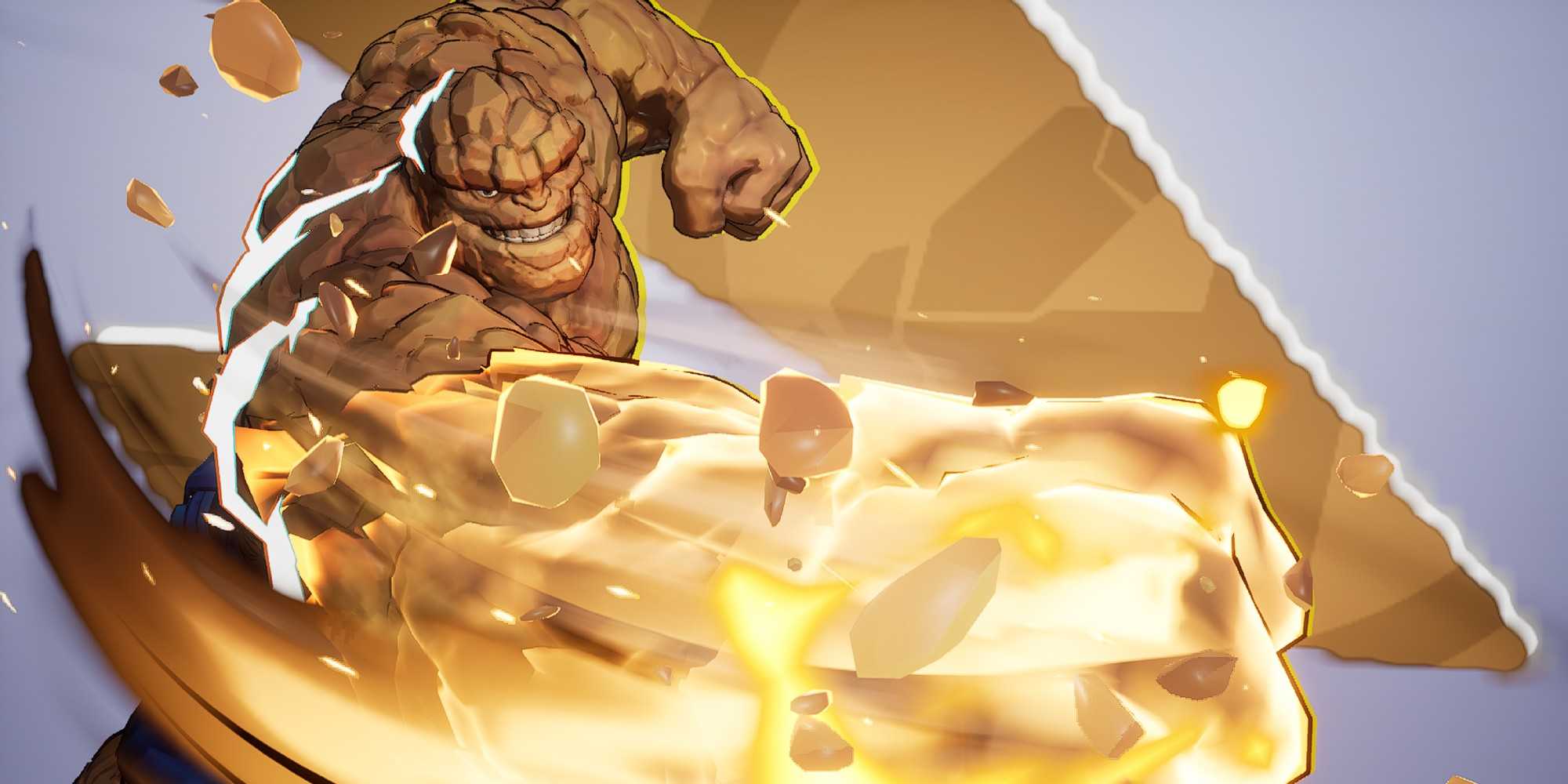
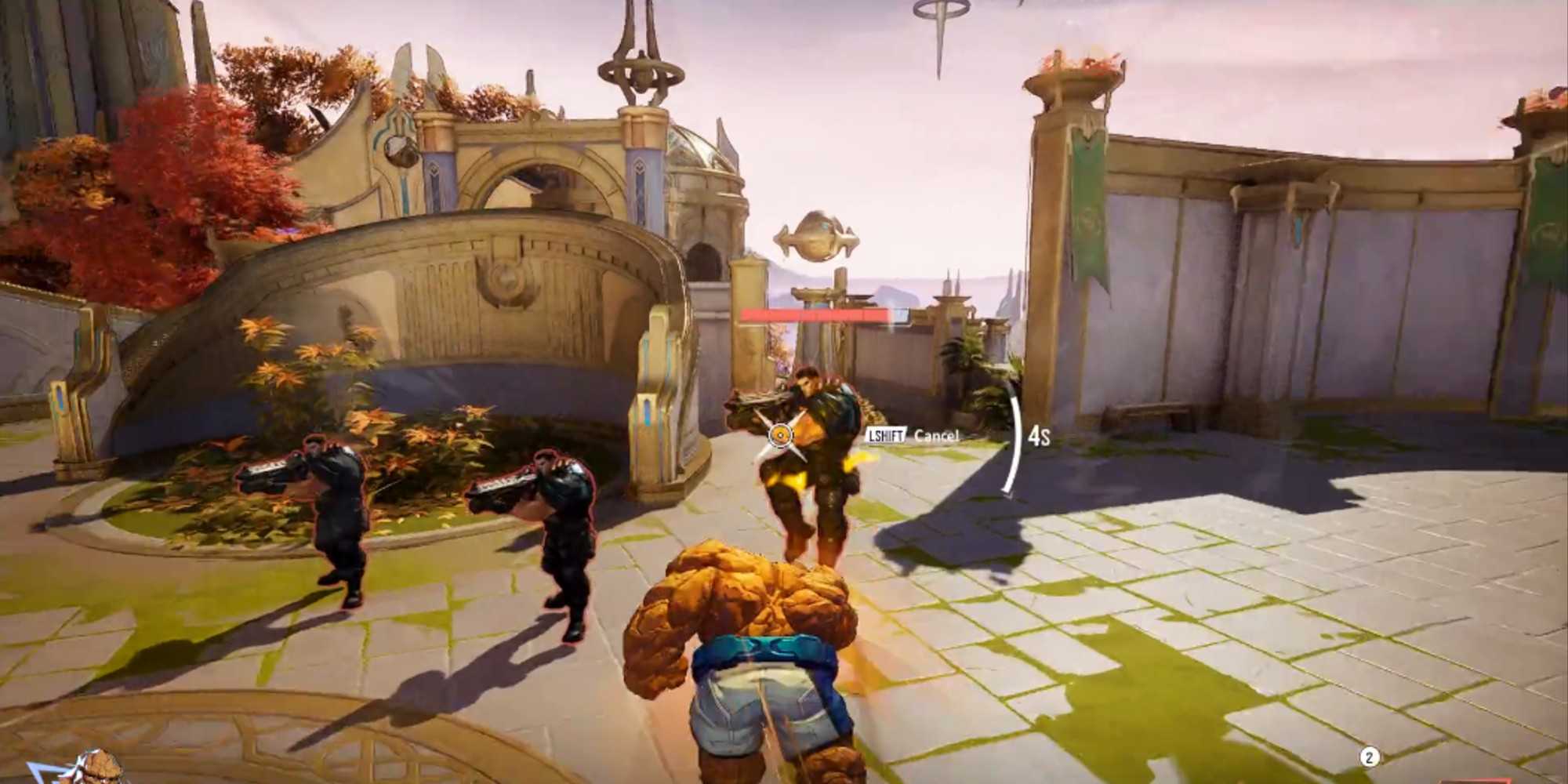
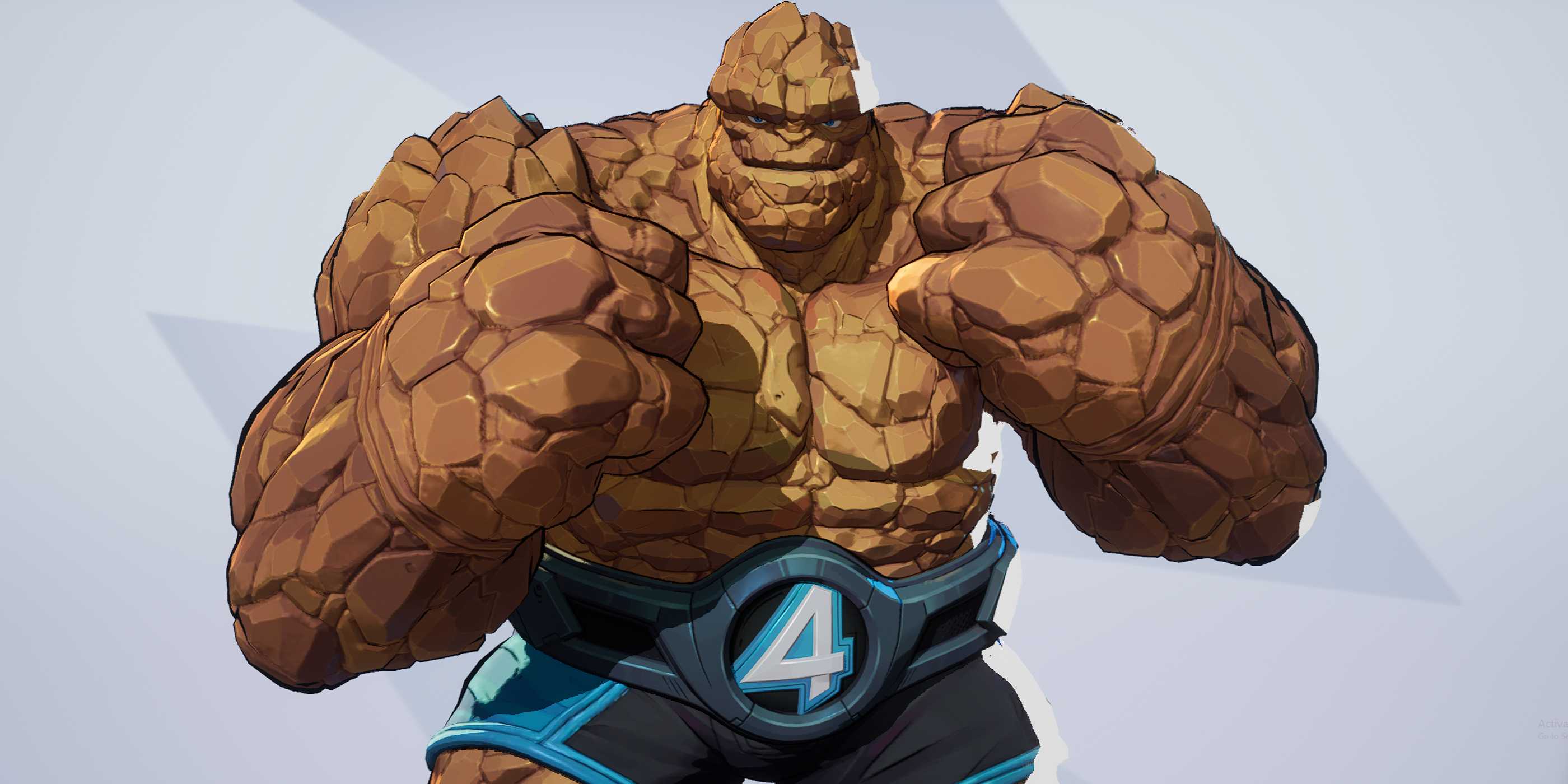
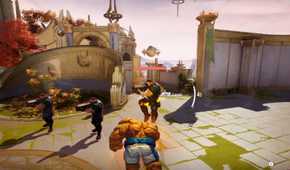
The Thing is a powerful melee Vanguard who loves to get directly into the fight and stay on enemies while his team supports him from behind. While he is incredibly powerful and already quite easy to play, you might notice that his charge can feel quite useless at times, especially mid-combat, as it doesn't flow well with the rest of his kit.
The Thing has a setting in the hero specifics portion of the settings menu that allows you to change your charge from an ability you must cancel to an ability you can hold. While this doesn't sound drastic at first, this means that when you press the charge key for The Thing, if you simply tap it, he will perform the AOE slam immediately, which is essential for close-range combat. This not only gives him a shield and quickly CC's the enemy, but it also prevents them from using movement abilities, which is a great way to trap low-health enemy Vanguards.
Captain America
“Assemble!”


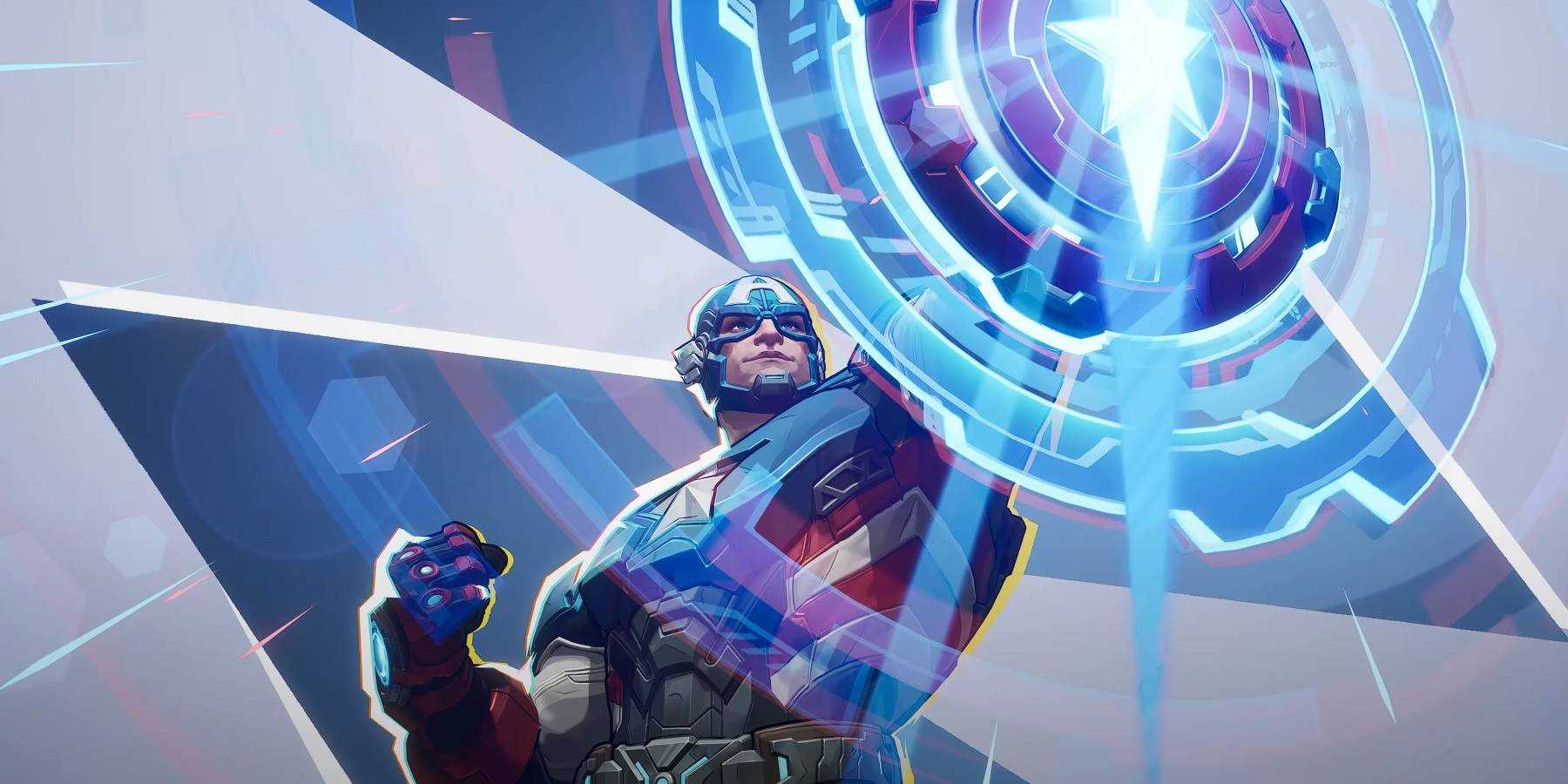
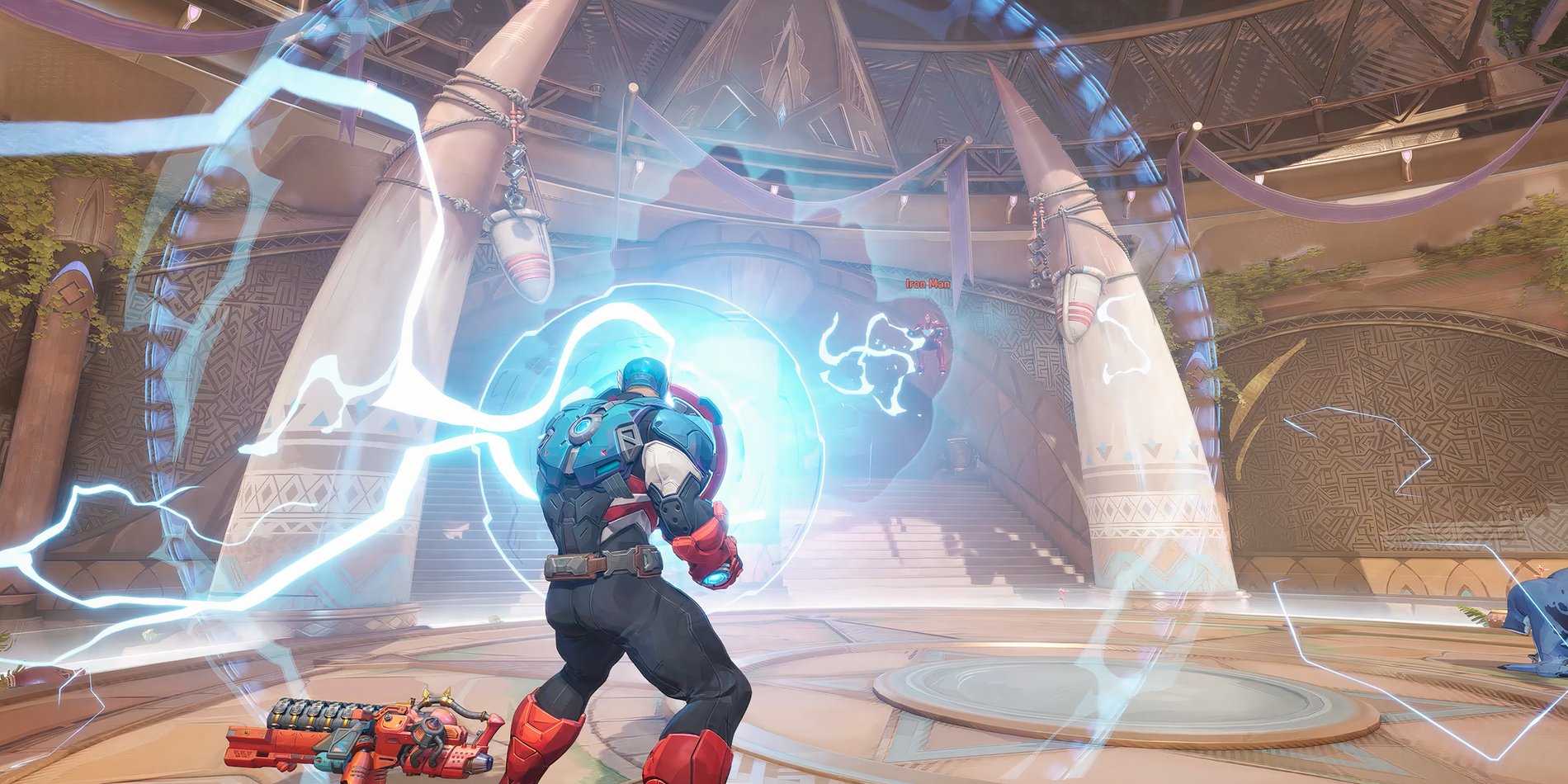
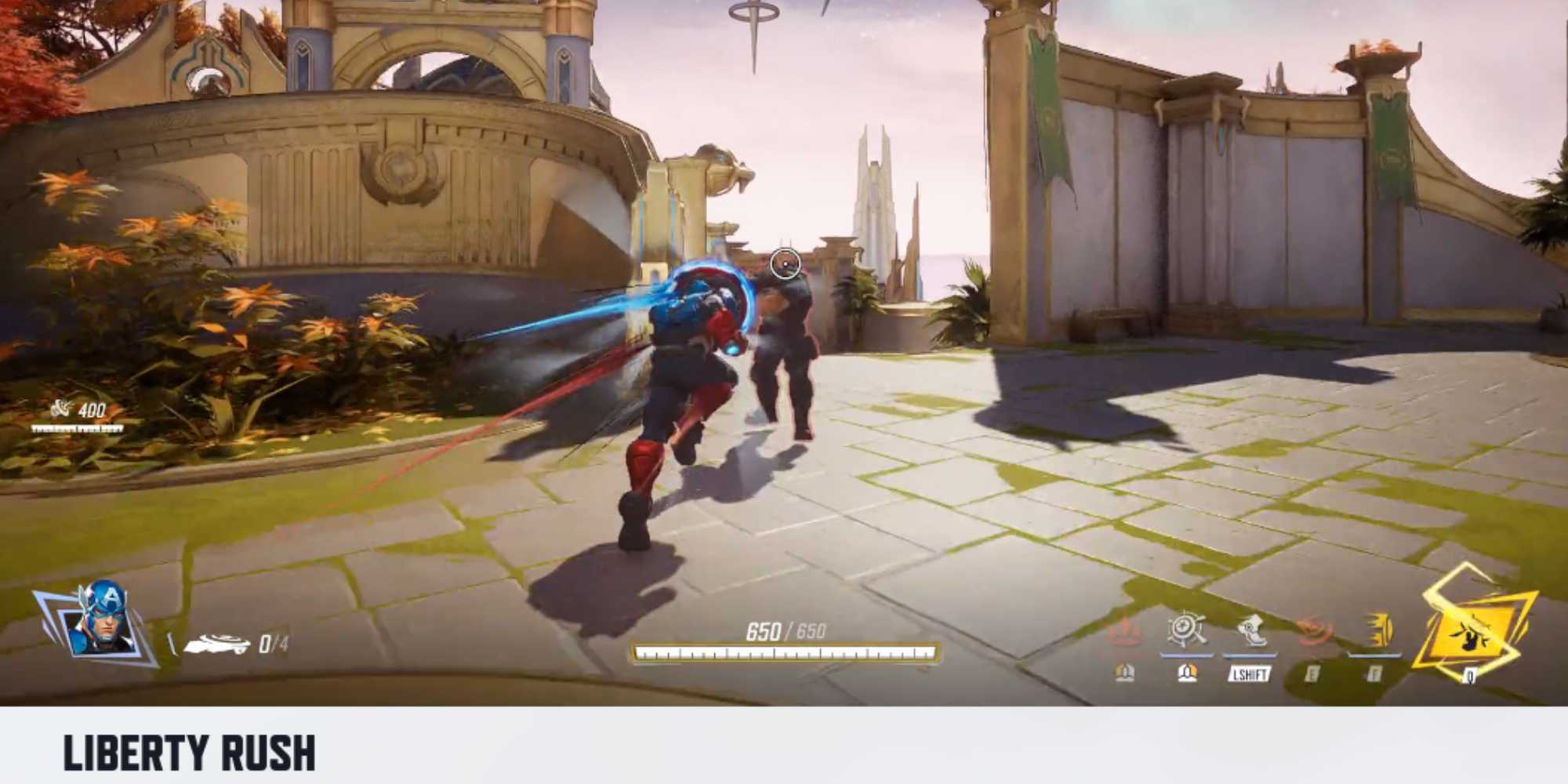
The most mobile Vanguard in Marvel Rivals is none other than the Leader of the Avengers, Captain America. Captain America is a very fast-paced character who can easily get caught up in the cycle of his multiple abilities, which means relying on settings to help ease frustrations will be very beneficial.
Captain America has a setting in his hero-specific section known as “Hold to Dash” which, when turned off, allows the player to automatically sprint whenever he moves forward. This is incredible, as Captain America realistically should always be sprinting, so this means your hands have one key less to press.
Captain America has a setting in his hero-specific section known as “Hold to Dash” which, when turned off, allows the player to automatically sprint whenever he moves forward. This is incredible, as Captain America realistically should always be sprinting, so this means your hands have one key less to press. The same option exists for his shield, but this is purely up to personal preference compared to the dash, which has only positive effects.
Venom and Spider-Man
“We Are Venom!” And “Look Out For The Amazing Spider-Man!”


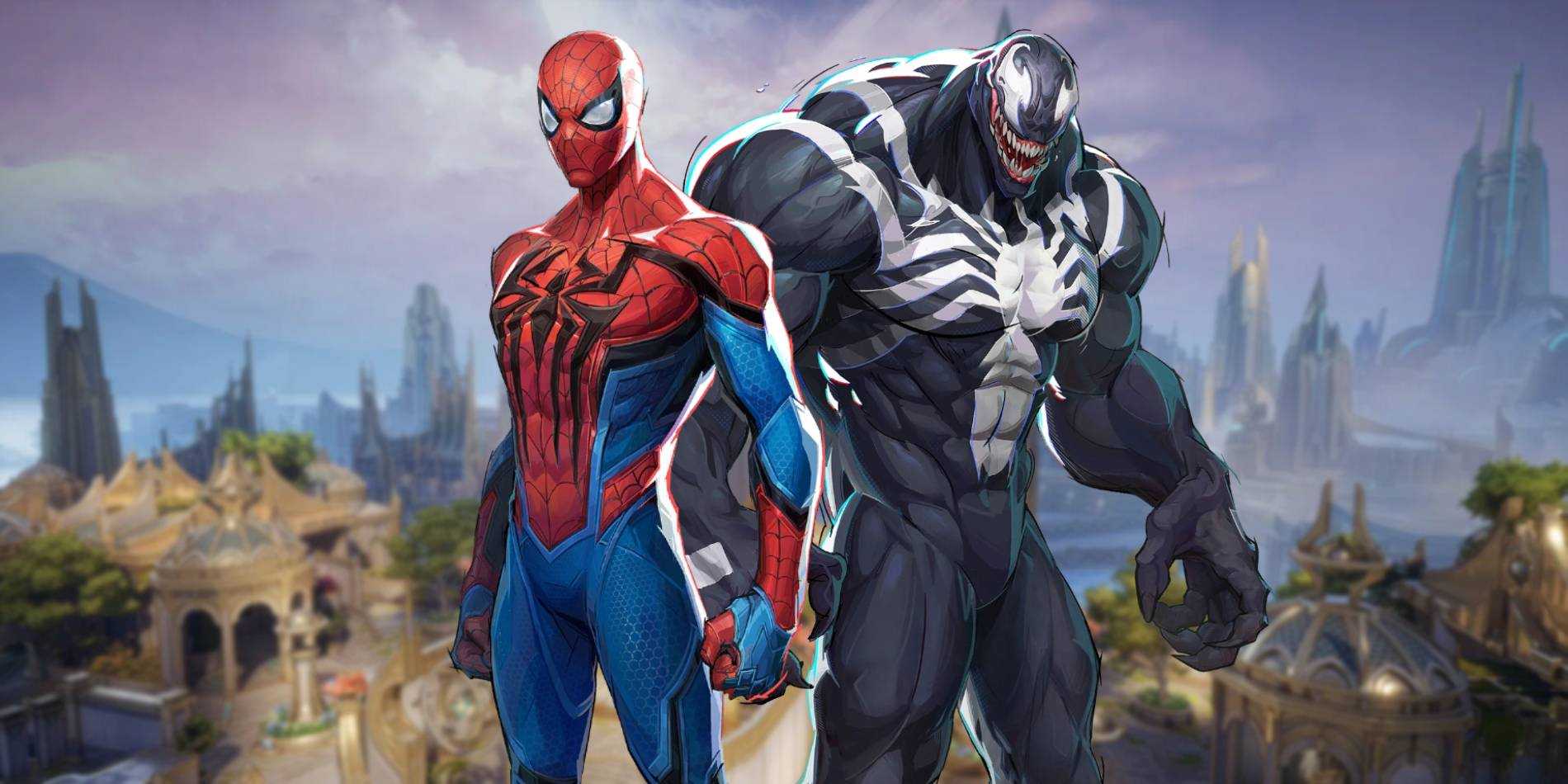
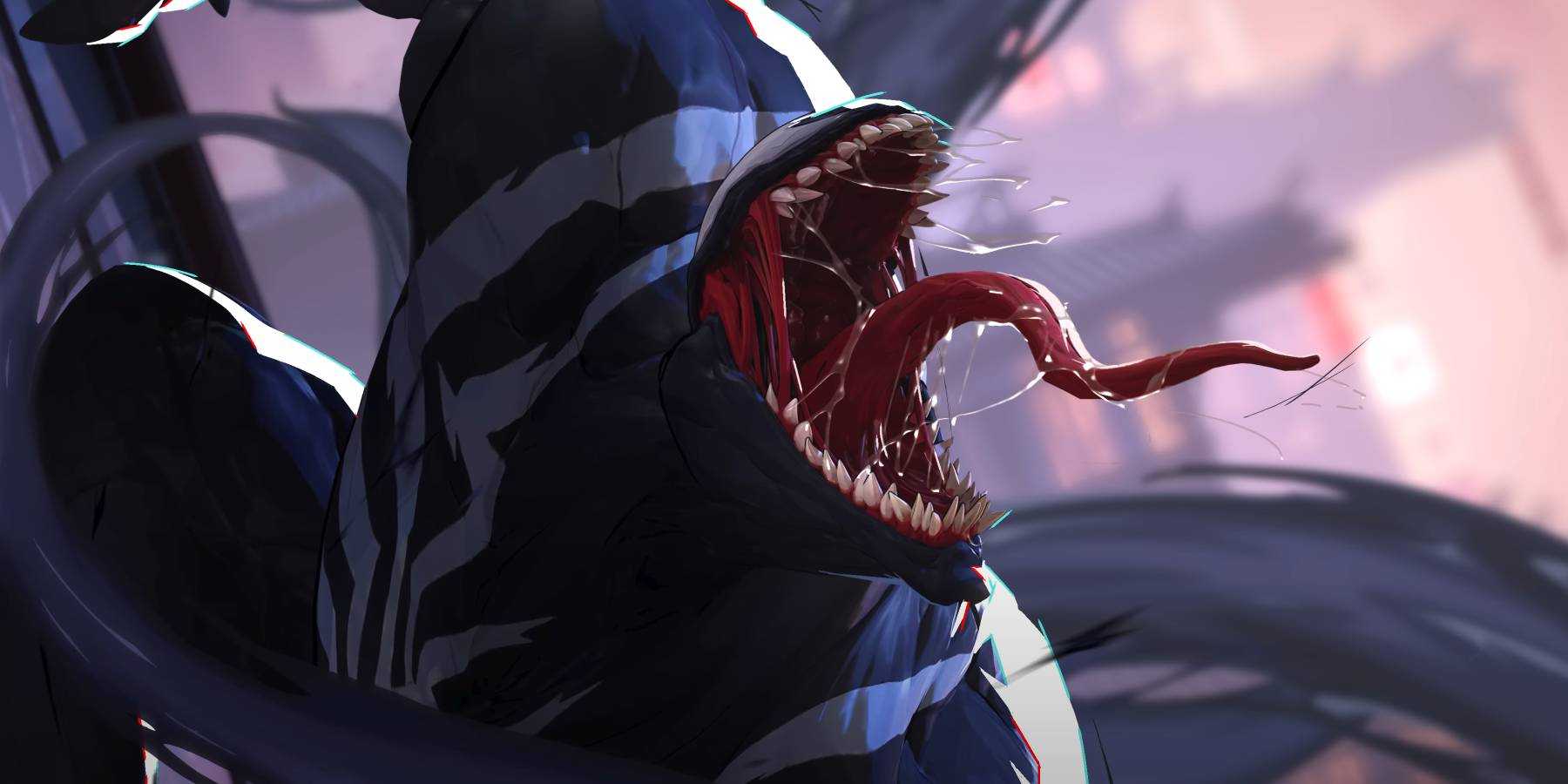
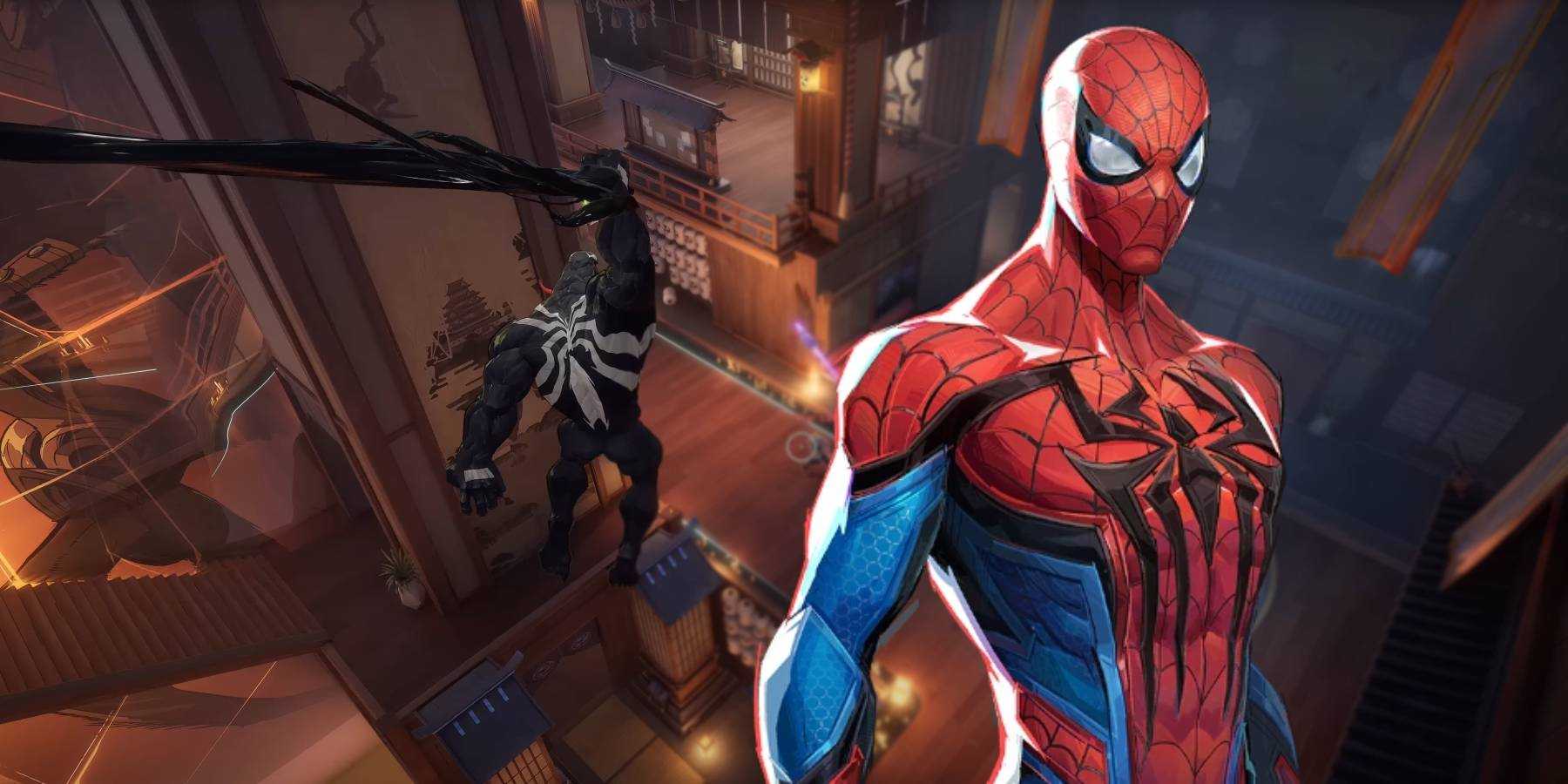
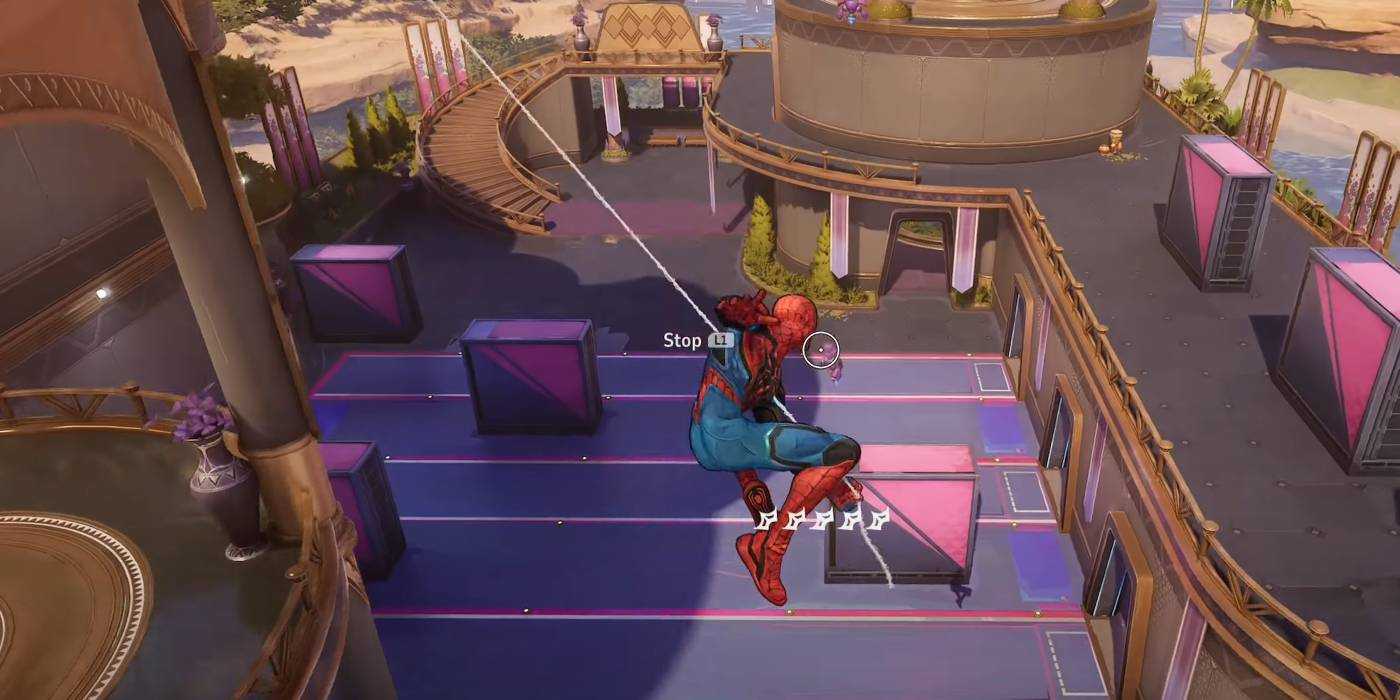
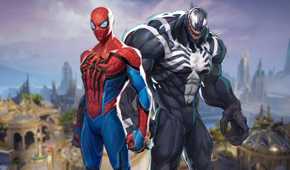
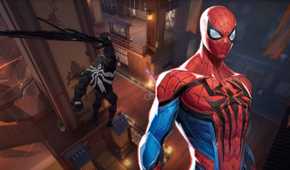
Spider-Man and Venom are a dynamic duo when it comes to Marvel Rivals, as you typically won't see one without the other. Venom as a dive Vanguard and Spider-Man as a dive Duelist, combined with their team-up, allows them to be a devastating duo, who work surprisingly similarly when it comes to their unique settings and how they can change them.
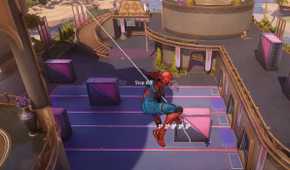
Both heroes come with options that allow their web swings to be used in a much better way, to the point where it can drastically impact your mobility with them. For Spider-Man, it's the Automatic Swing option; Venom's is the Easy Swing option. By turning both off, you cna aim to the point of the object you'd like to attach to. This makes both heroes much easier to swing with as you can now fully control where you'd like to go, though it can take you a while to learn the ins and outs of this new style of swinging.
Bruce Banner/Hulk
“Hulk Smash!”


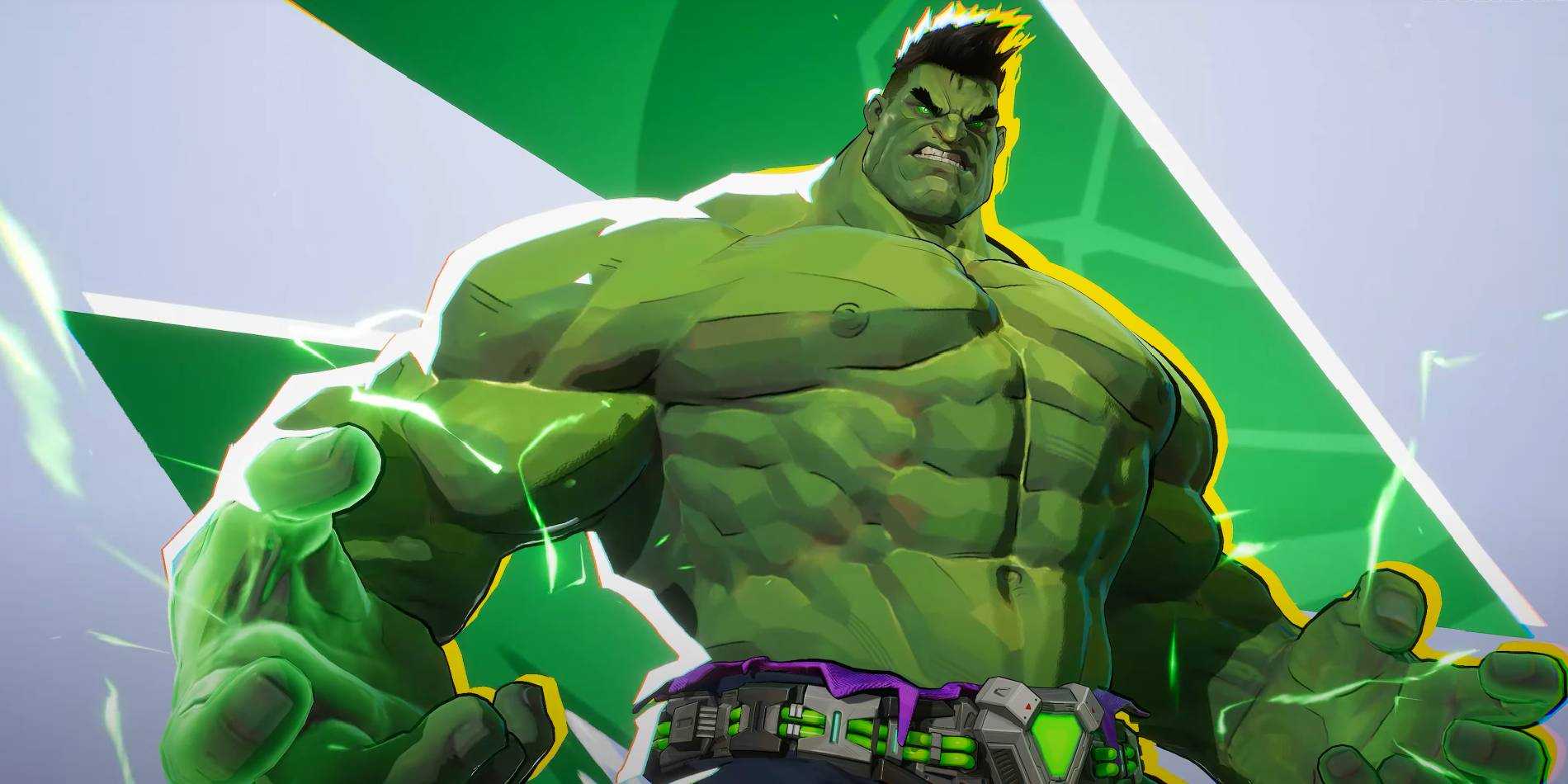
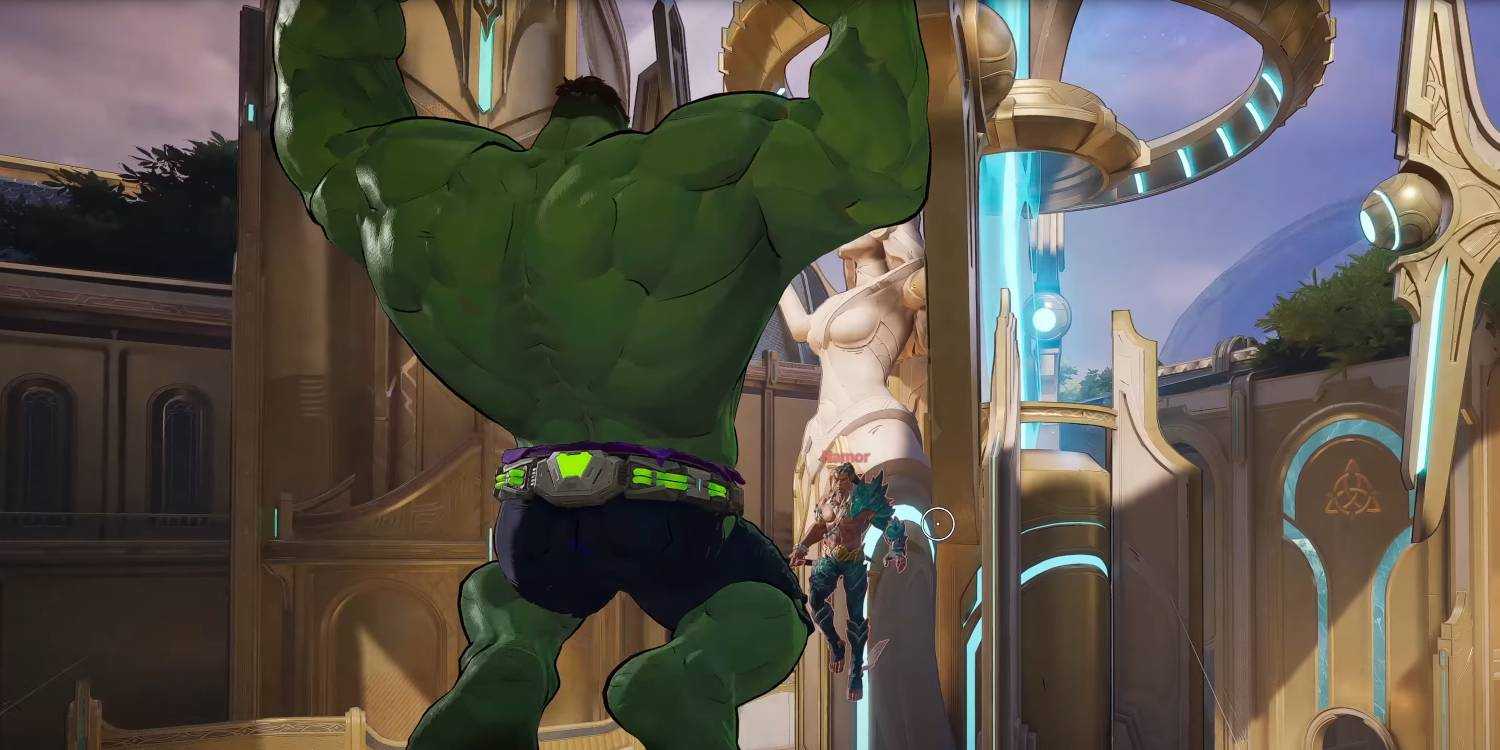
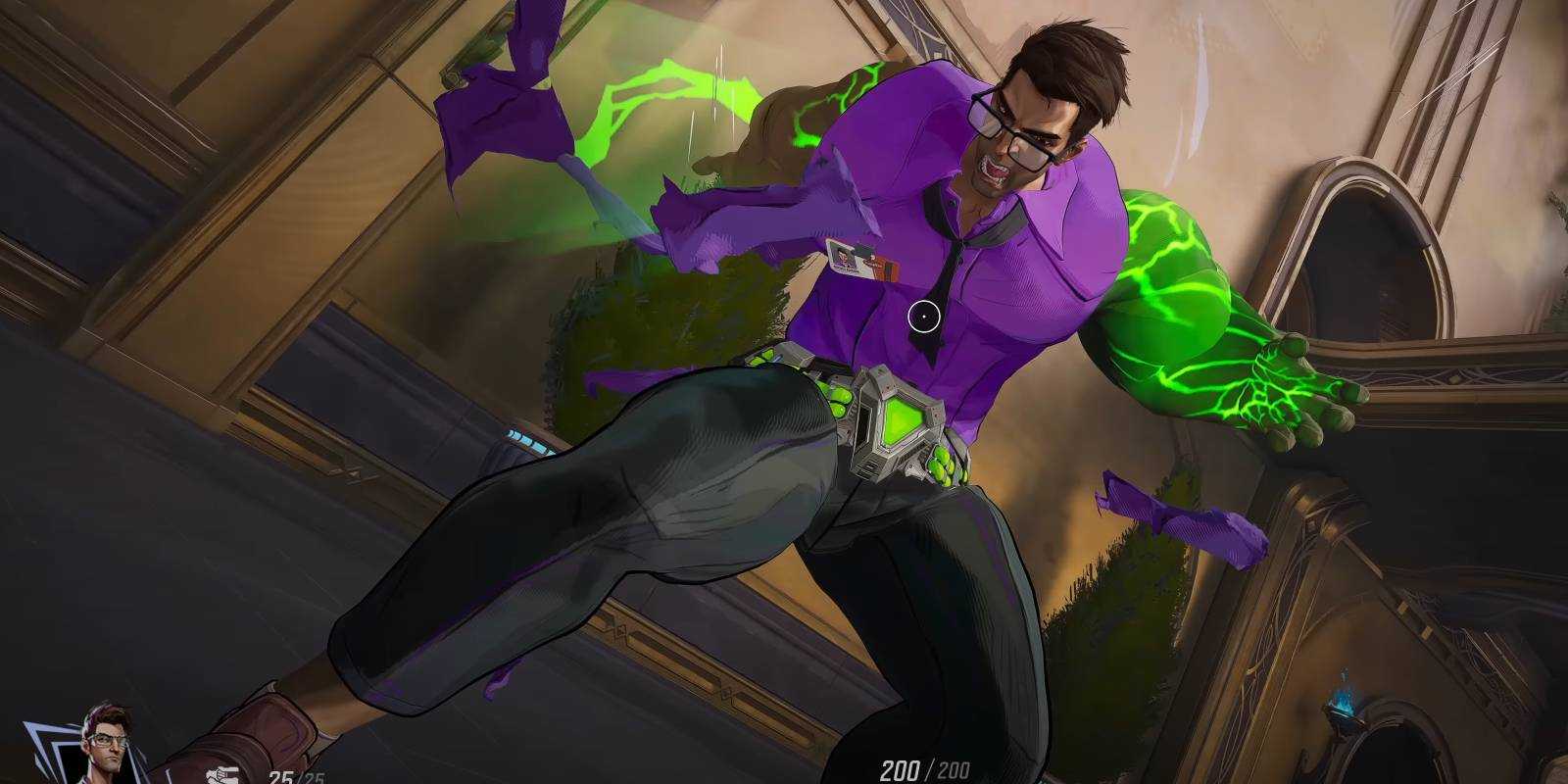
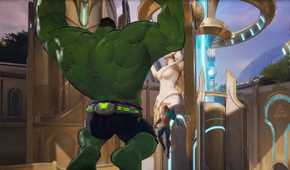
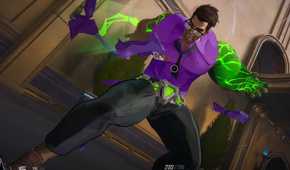
Bruce Banner, aka Hulk, is one of the most interesting Vanguards within Marvel Rivals as he acts as a dual character. When he is in his Hulk form, he's incredibly mobile and allows you to dash quite a bit, but it can take him a second to get out of tight situations if you keep his settings in their base state.
You can greatly help the Hulk is by turning off the setting known as Hold to Activate Incredible Leap, as this allows you to tap space, and it will prep a leap for the Hulk. This allows for a much more tactical use of his leaps, especially when leaping back to your healers after diving in, as you can have a big leap ready to get out soon after you dive in. This, unlike most settings on the list, is mostly preference and there are arguments for both, but it feels great for me while playing The Hulk.
Moon Knight
“The Moon Haunts You!”


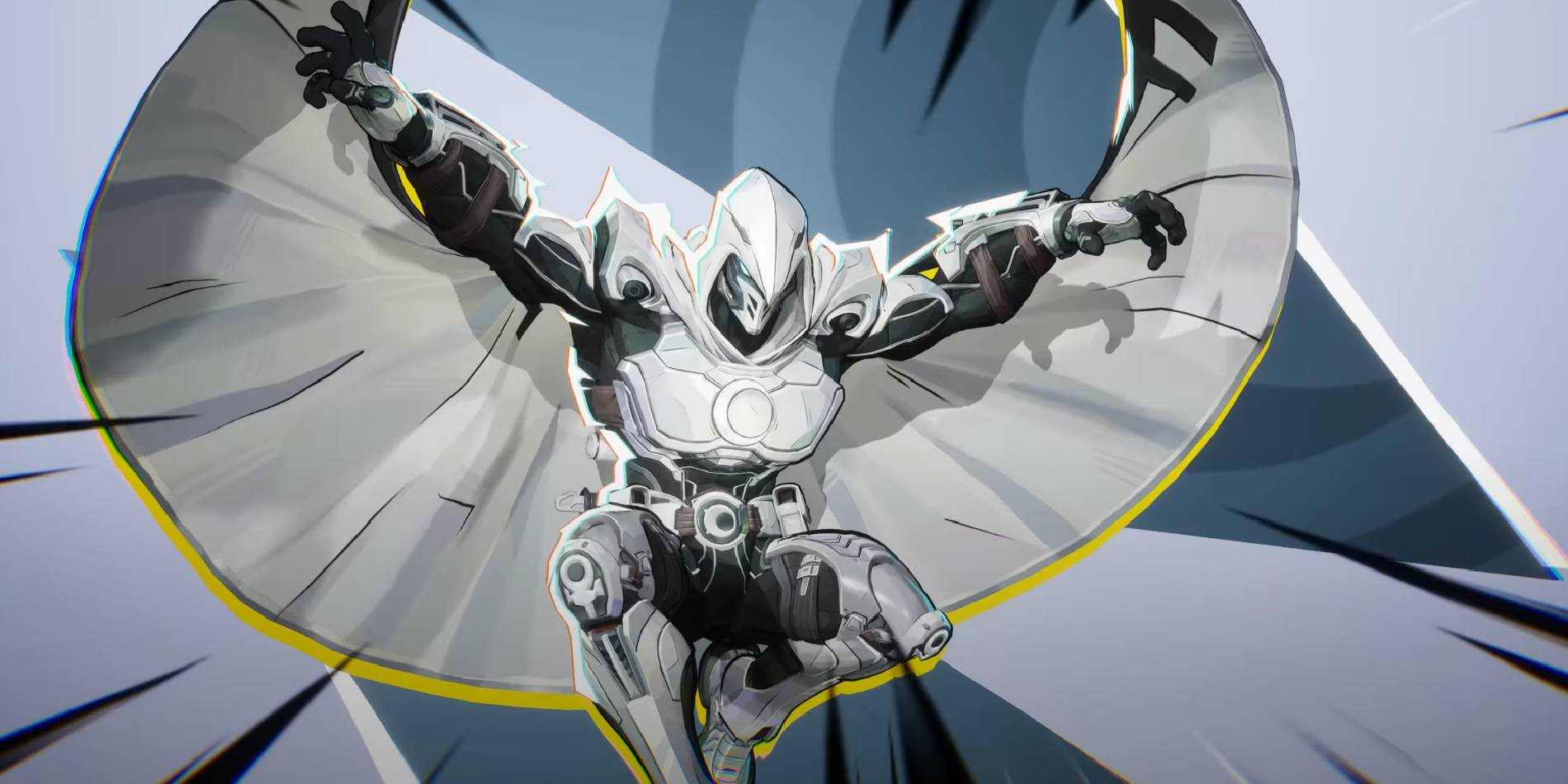
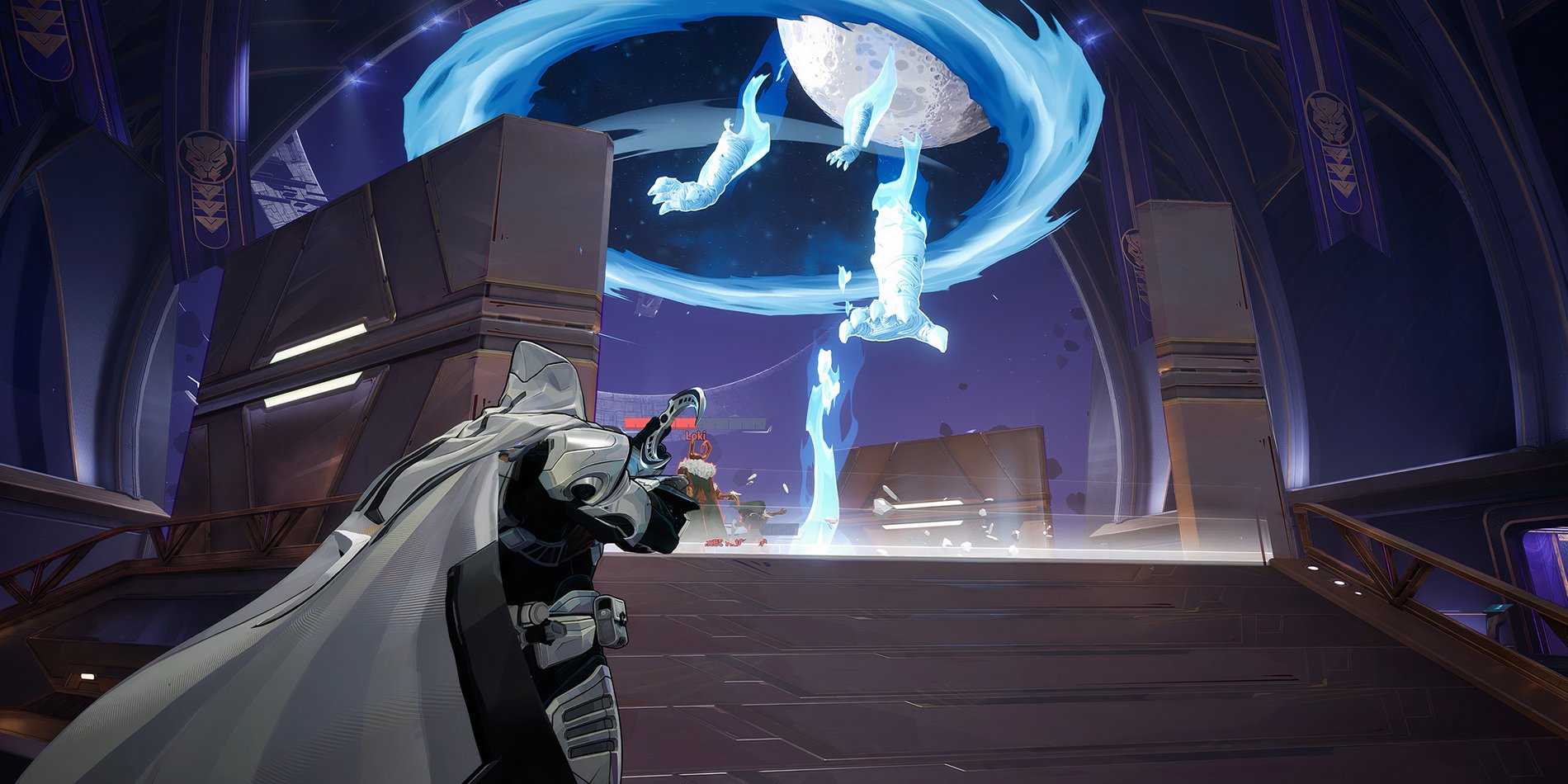
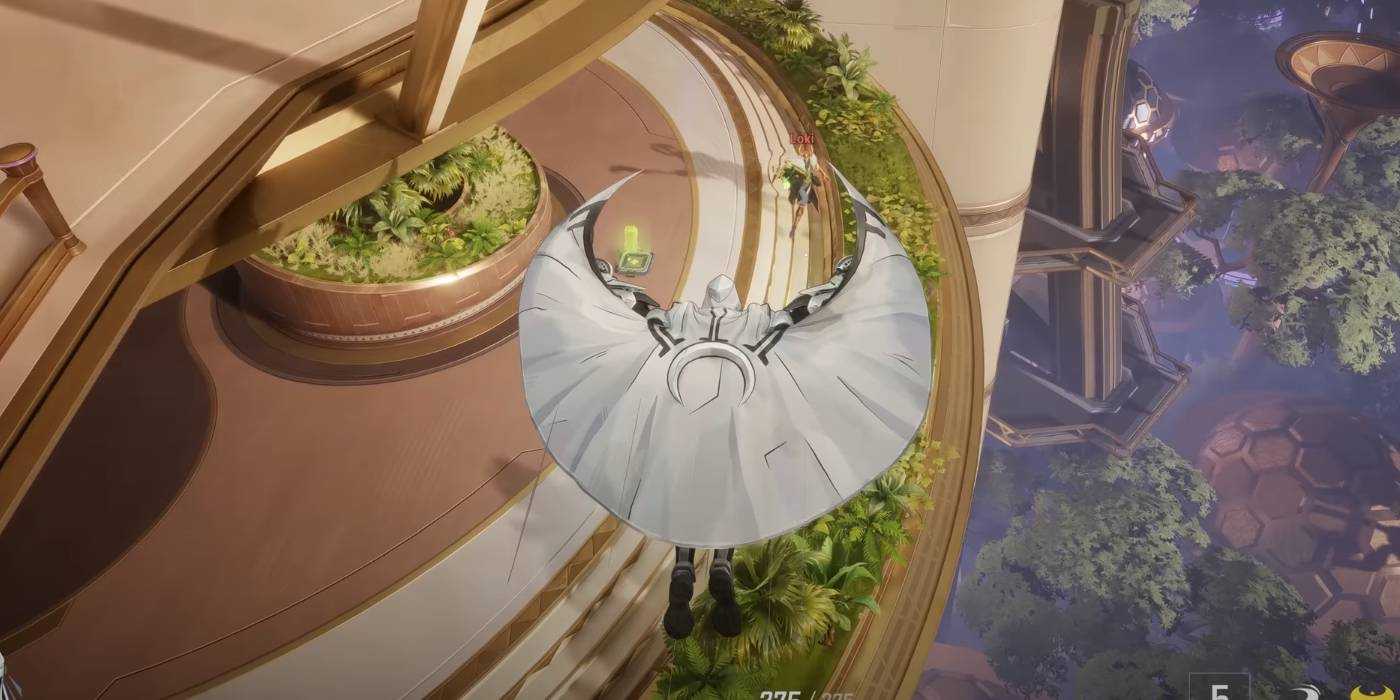
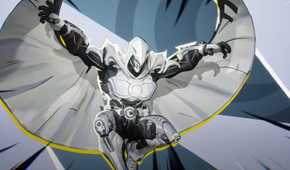
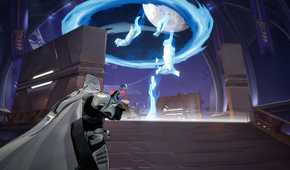

Moon Knight is a Duelist with especially high AOE burst damage, decent single target, and a surprising amount of mobility skills. That being said, he's typically not known for his mobility in spite of all his mobility skills, but a certain setting does greatly improve his aerial mobility and control.
By using his grappling hook towards the ground, you can make it so that Moon Knight launches straight up into the air. This, combined with his double jump, allows him to quickly get to high ground in almost any situation.
When you go into the hero-specific settings for Moon Knight, he has the option to make it so that his glide needs to be held to maintain the gliding state. By making sure this setting is turned on, it easily allows you to glide through the air and quickly deploy and turn off your glide at any moment. Without this setting, gliding can feel rather clunky, so it's best to use this if it's off for you.
Jeff
“Angry Shark Noises”


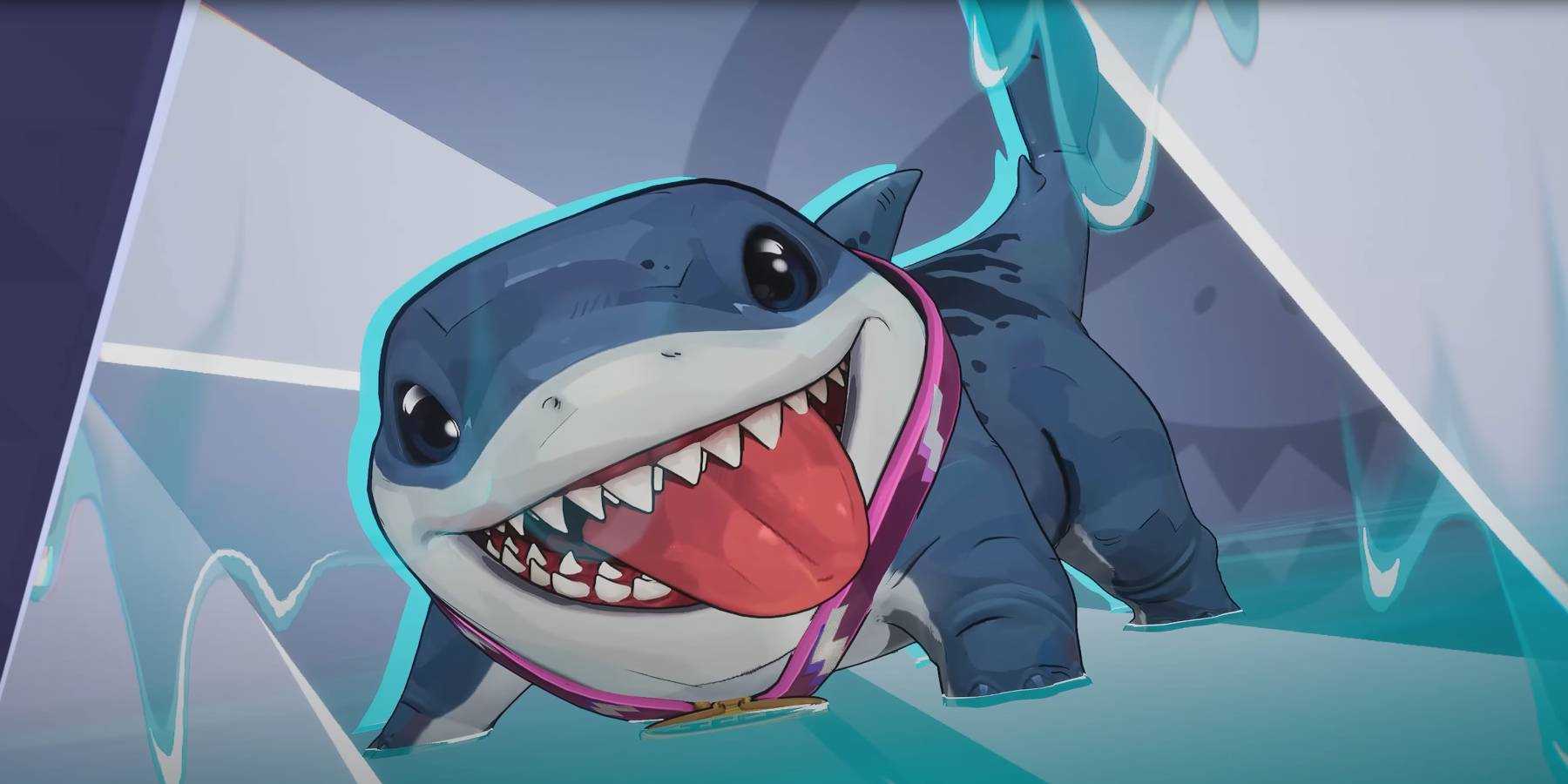
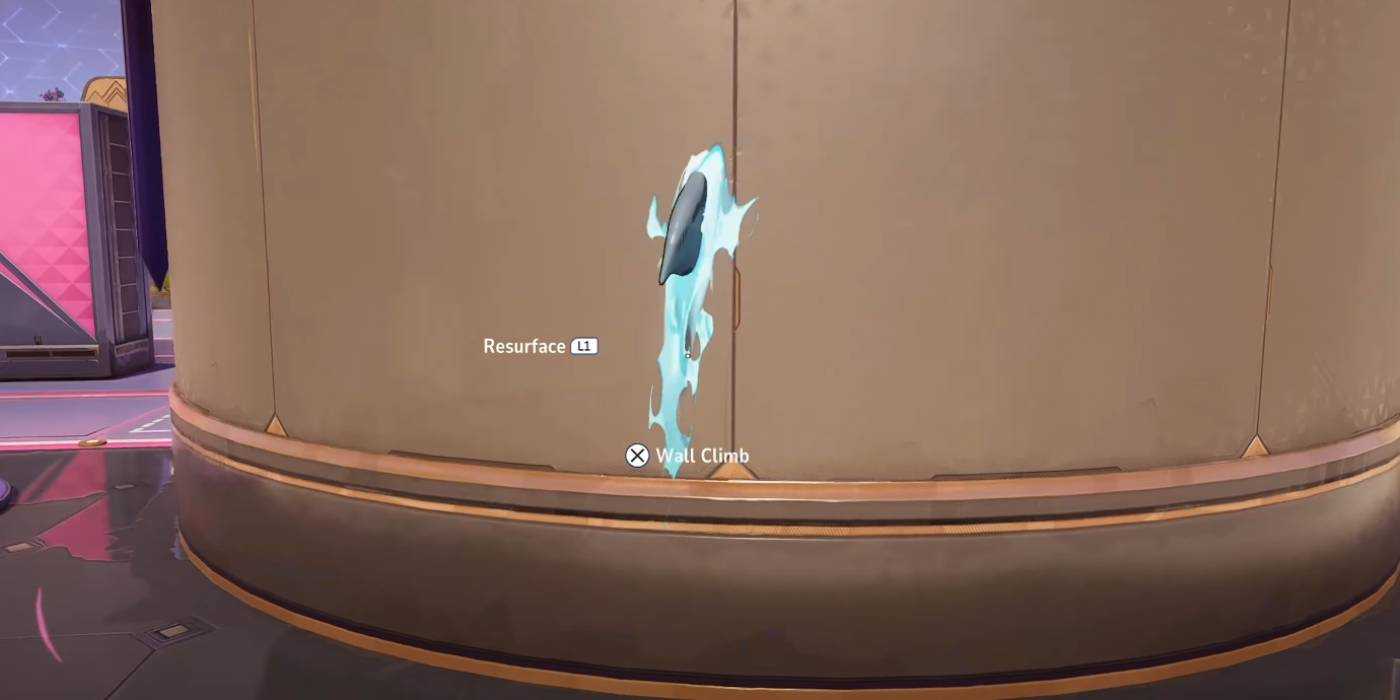
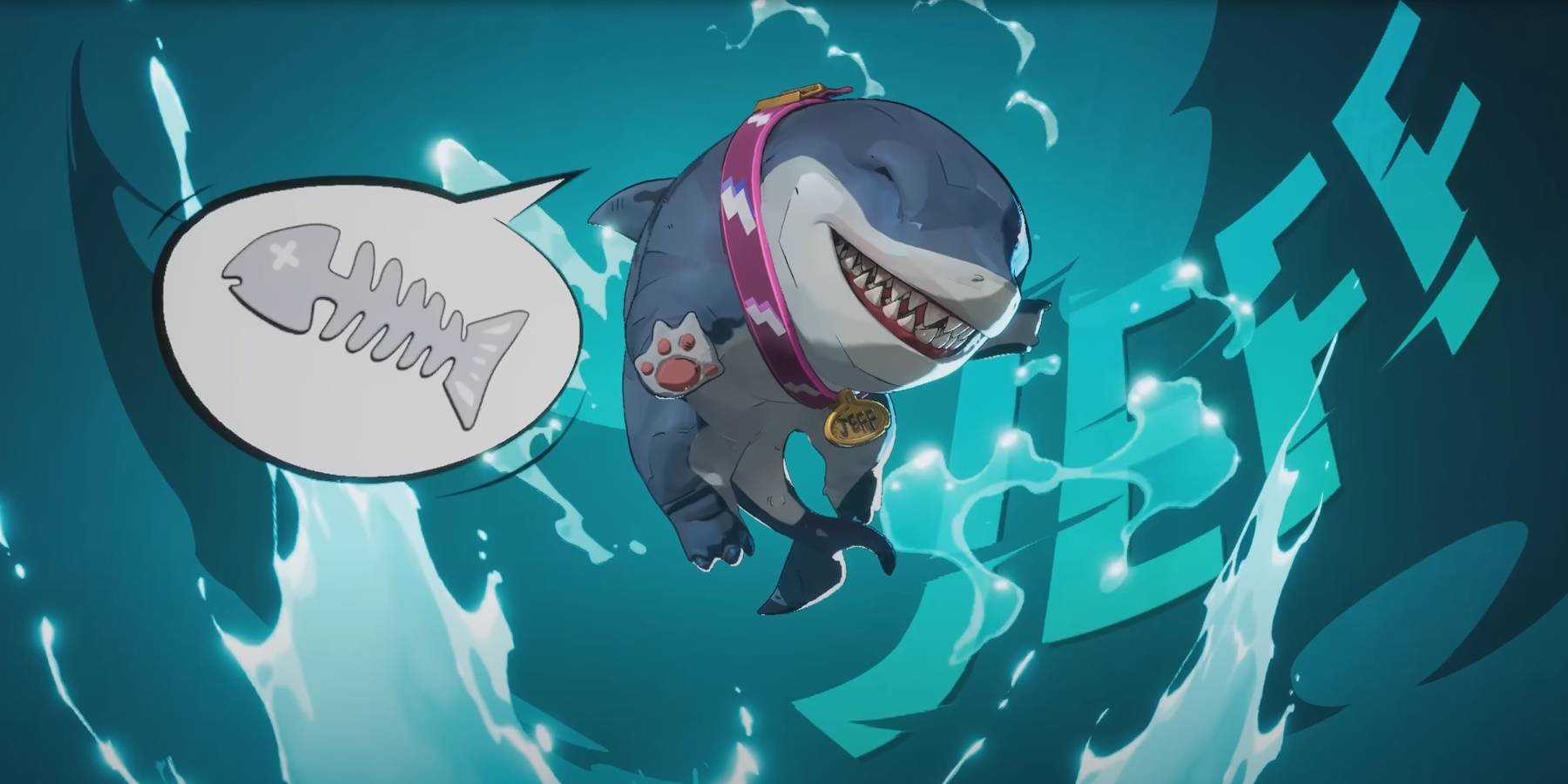

Jeff is the lovable shark mascot of Marvel Rivals who's quite tricky to kill, even at higher levels of play. You might notice that he has a ton of mobility and sustain, which is true, but it is limited in some respects. That being said, his base settings heavily limit his survivability, especially when diving into the ground.
Jeff has two very important settings which dictate his mobility in the form of Direction of Wall Crawling and Hold to Wall Crawl. For Direction of Wall Crawling, it's best to have this set to Advance Towards Crosshair, as this allows you to easily guide Jeff with your crosshair. This setting is especially key for surfing on the walls as, combined with Hold to Wall Crawl being off, Jeff can efficiently dodge enemies while moving on the walls.
Rocket Raccoon
“This Is Real Fire Power!”


 Custom Image by Jorge Aguilar
 Custom Image by Jorge Aguilar
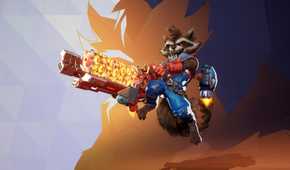
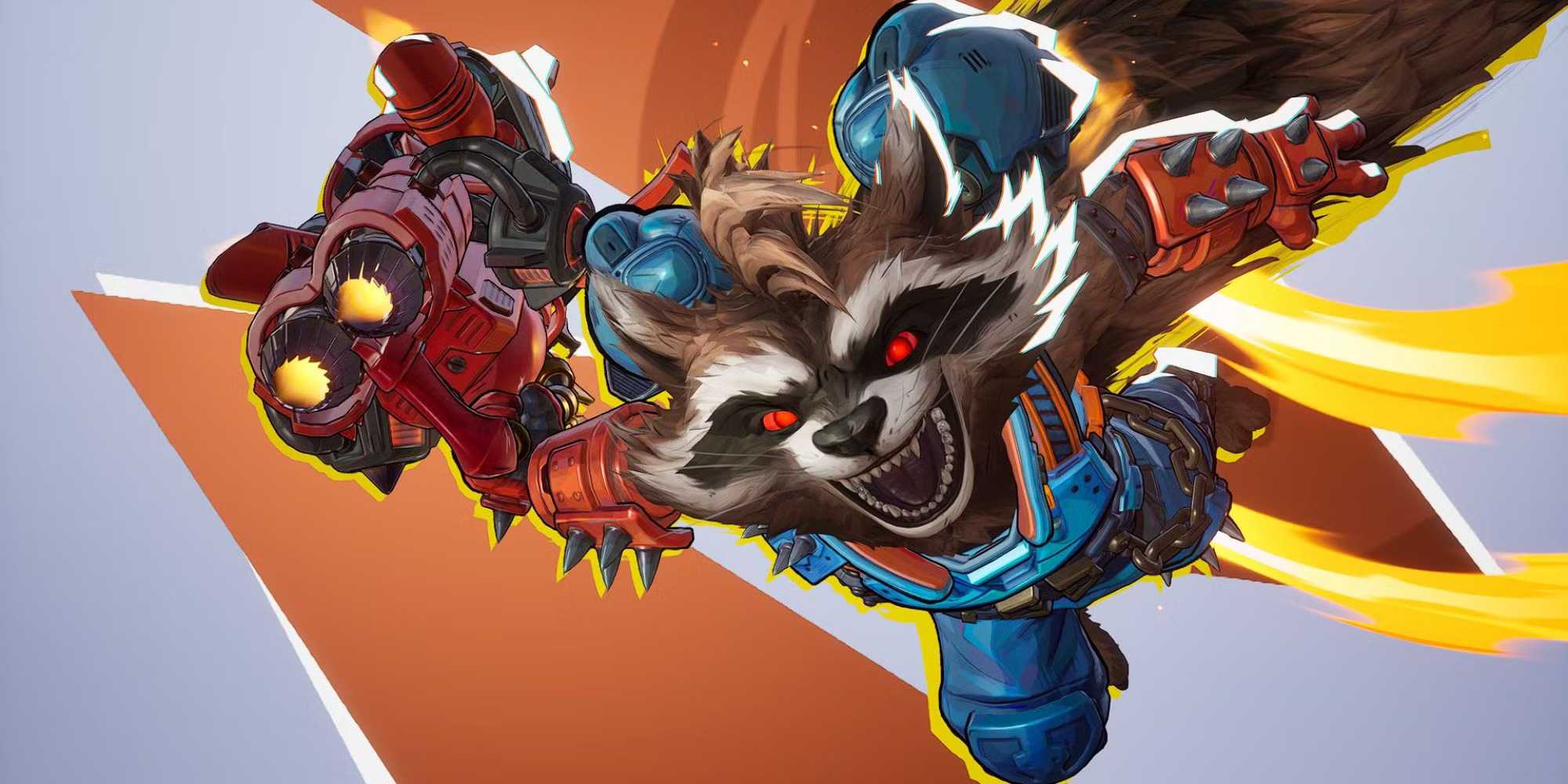
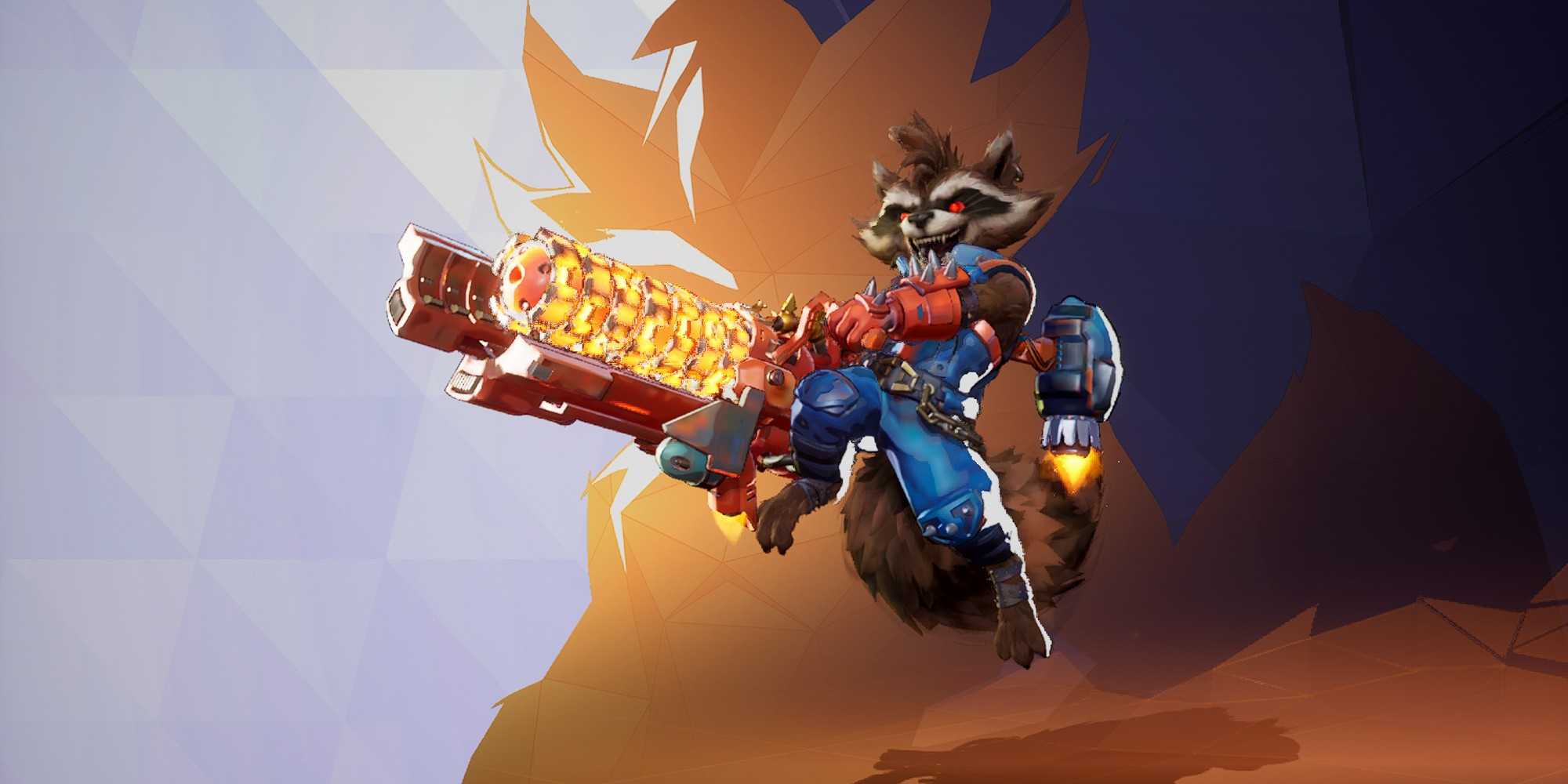
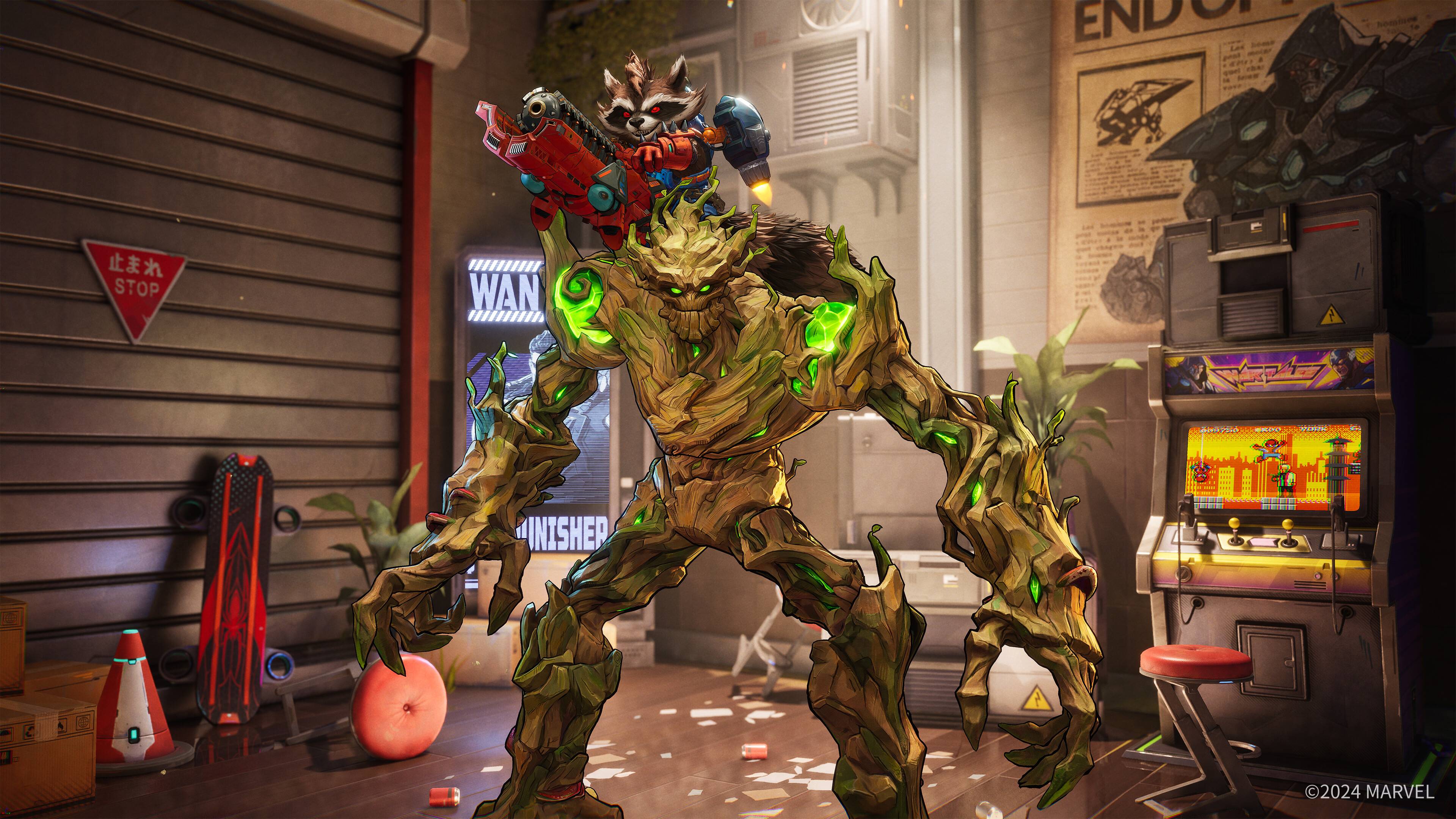
Rocket Raccoon is an incredibly mobile Strategists who can be quite tricky to kill, plus he provides a ton of active utility and heals to his team, making him quite the target. That being said, Rocket has pretty horrendous base settings that mostly focus on his wall run.
Similar to Jeff, by changing his hero-specific setting called Direction of Wall Crawling to Advance to Crosshair, you can greatly increase your ability to dodge and navigate terrain. This is especially important for Rocket as he lacks the easy mobility compared to Jeff, so being able to be tricky with your wall navigation allows you to avoid death in higher ranks much more efficiently.
Loki
“Your Powers Are Mine!”


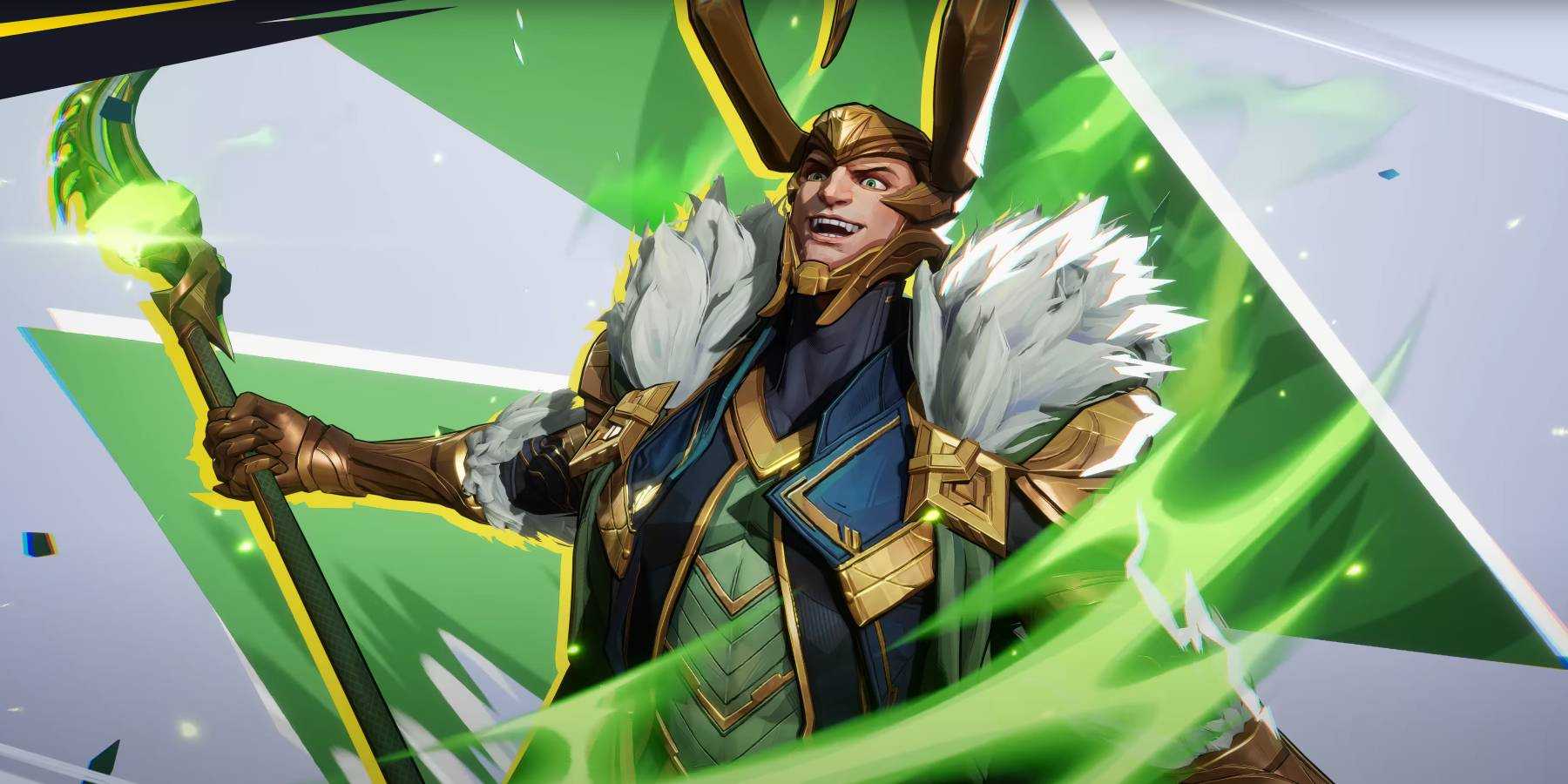
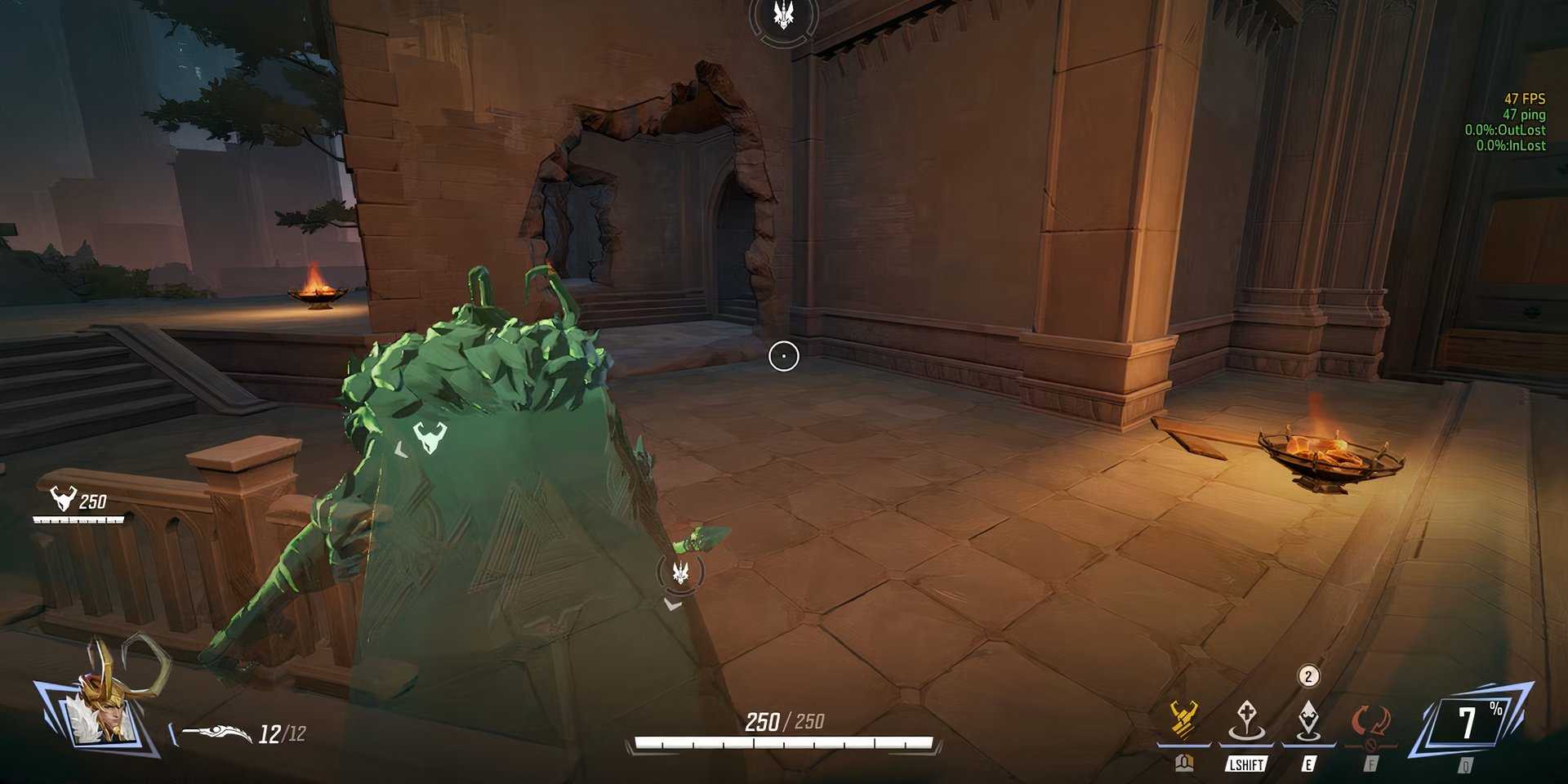
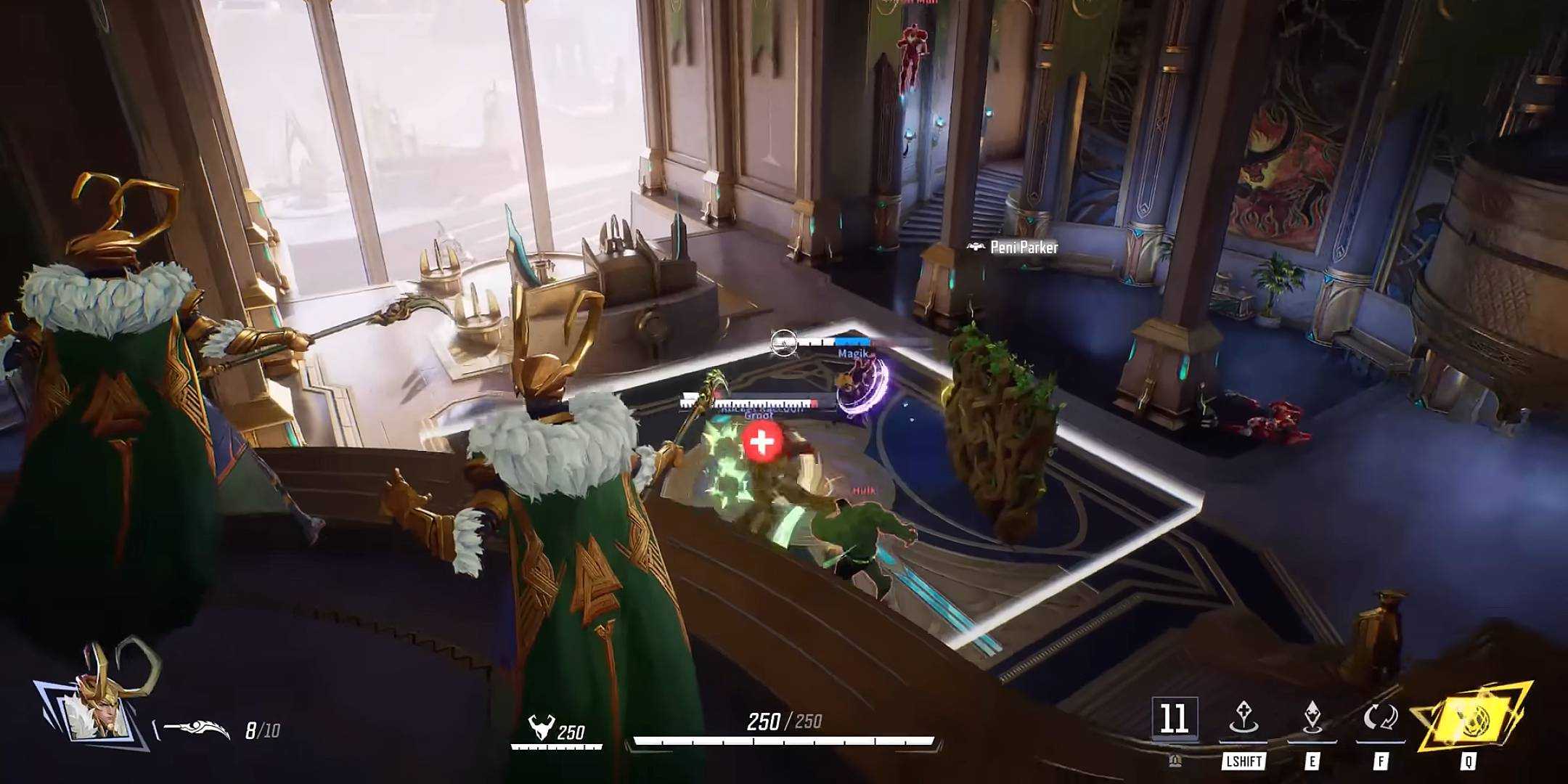
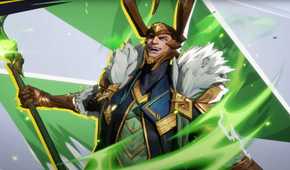


The Trickster God Loki is a versatile Strategist in Marvel Rivals who has many ways of affecting battles. While his kit invites players to be creative with how they play, his ultimate doubles down by allowing him to copy an enemy and automatically use their ultimate ability. However, there's a setting which not only makes the ultimate easier to use, but also gets rid of potential mistakes from when you use the ultimate.
By visiting Loki's hero-specific settings and turning on Double confirmation for God of Mischief, this essentially makes it so that you must select then confirm which hero you'd like to copy. This is great for many reasons. For one, it allows Loki not to make mistakes when copying due to always seeing who he'll pick. He is also given a few seconds after selecting a hero to confirm it, meaning he can quickly reposition before casting his ultimate, which is a great benefit when playing him in Marvel Rivals.


Marvel Rivals

-
 OpenCritic Reviews
- Top Critic Avg: 78/100 Critics Rec: 84%
- Released
- December 6, 2024
- ESRB
- T For Teen // Violence
- Developer(s)
- NetEase Games
- Publisher(s)
- NetEase Games
- Engine
- Unreal Engine 5



- Franchise
- Marvel
- Platform(s)
- PlayStation 5, Xbox Series X, Xbox Series S, PC
- Genre(s)
- Third-Person Shooter, Action, Multiplayer

