


Cheat codes have been a significant part of The Sims franchise since the very beginning, and now you can experience their origins thanks to the new Sims Legacy Collection. The Sims have a somewhat unique relationship to cheat codes, as the games have never made it difficult to use them or require an outside program like an Action Replay to enter them. In this way, The Sims has always allowed players to choose what type of experience they want from the game and what aspects they want to cheat past.
While cheat codes can make any Sims game a more customized experience, The Sims 1’s notorious difficulty made them almost a requirement back in the day. Now that you can digitally download The Sims Legacy Collection, you can see for yourself why cheats were such an integral part of the first game. If you’re struggling to feed your Sims or wishing for the relative ease of The Sims 4, these cheat codes can make a Sims 1 playthrough a bit easier.
How To Use Cheats In Sims 1 Legacy Collection
Cheat Codes Can Be Entered Into A Text Box During The Game


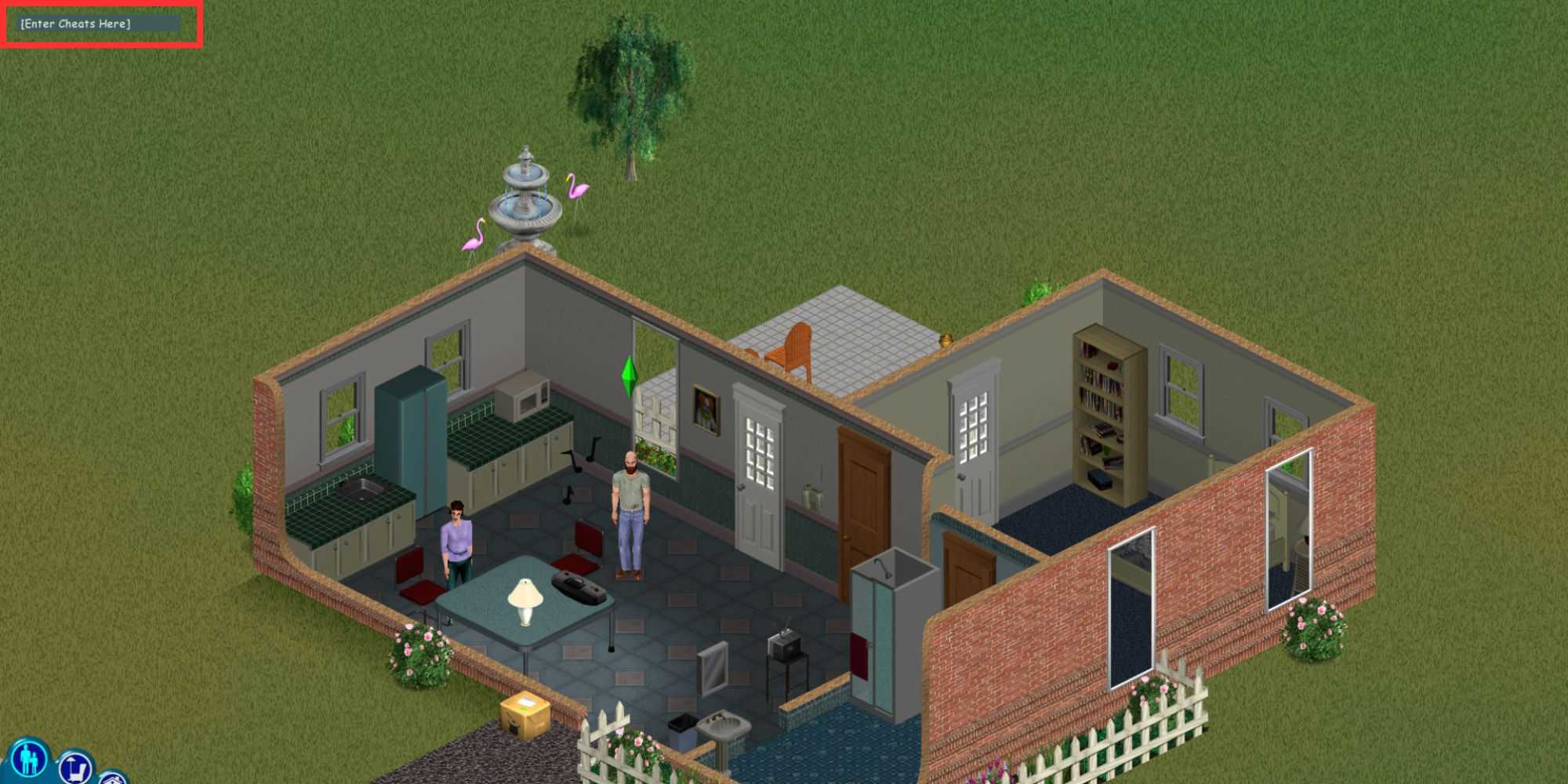
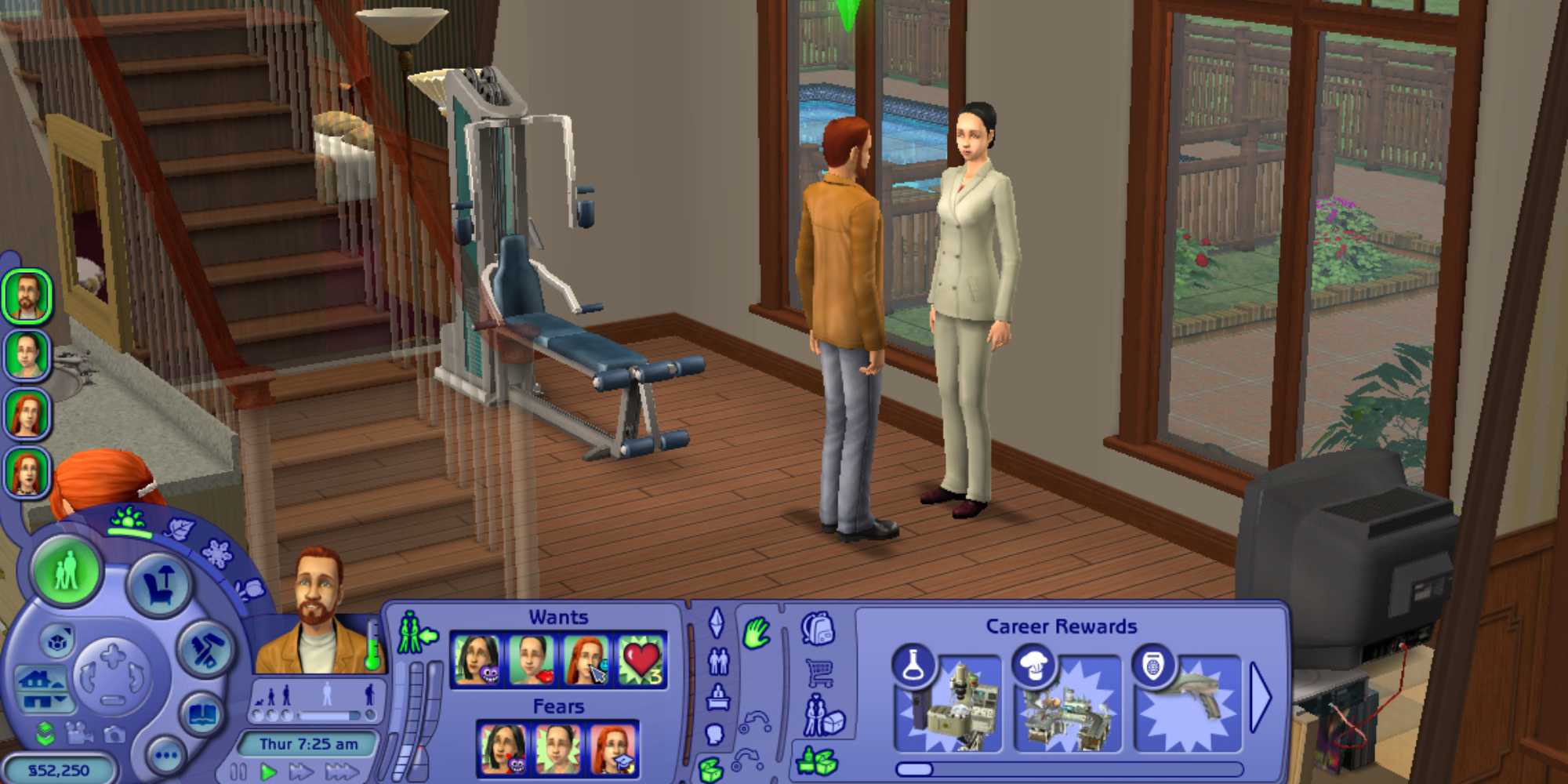
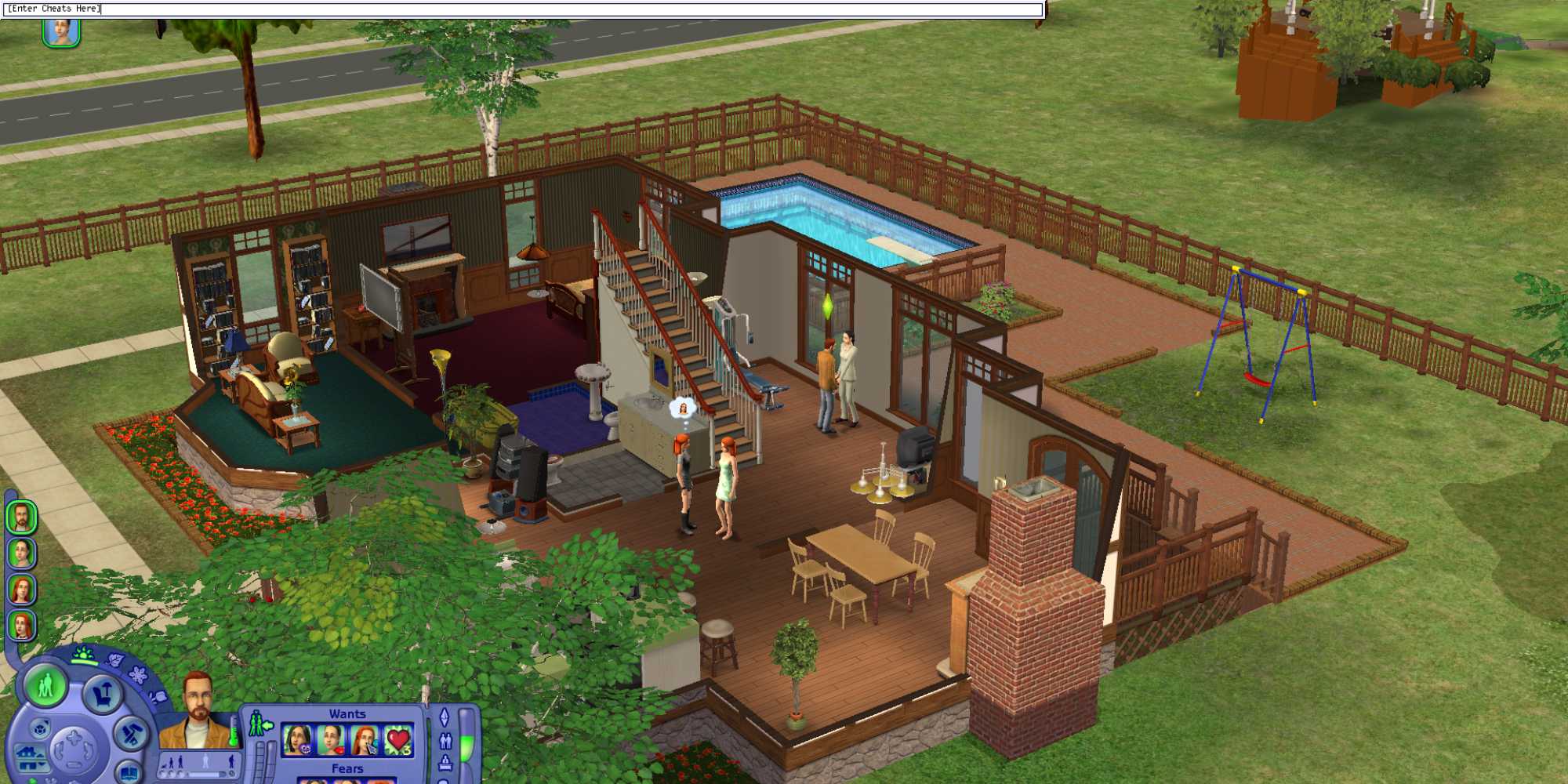



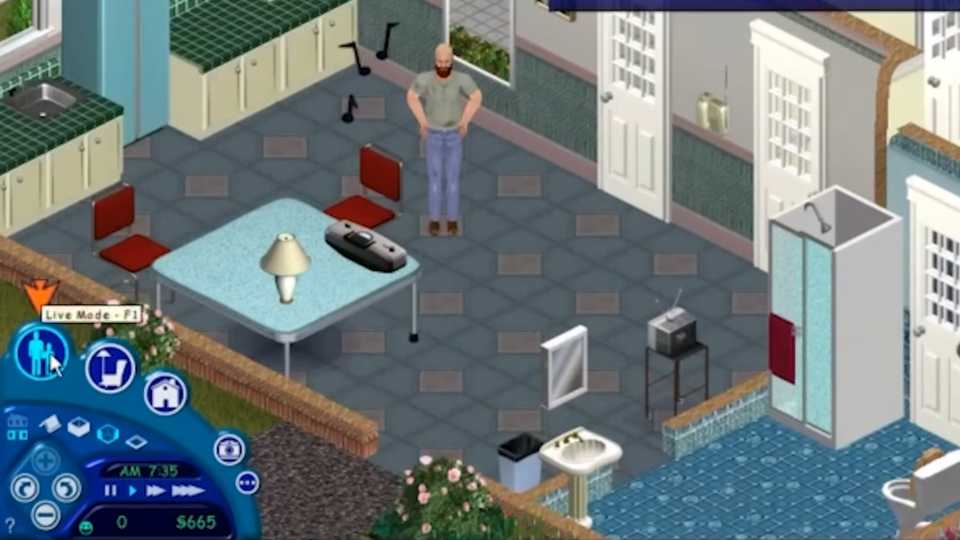
To use a cheat code in any Sims title, you will need to use "Ctrl + Shift + C" to open up the input box during your game. Once the small grey text box appears on the upper left-hand side of your screen, you can type in the cheat code you need and press enter. If you’ve typed the code correctly, it will go into effect. If you’ve made a typo or the cheat you entered doesn’t work (which all the ones below should), the game will let you know so you can try again.
If you're a new Sims 1 player, The cheats you’ll likely use the most are cheats for more money. The original game made it difficult for your Sims to earn a living. I distinctly remember having to delete interior walls in my house just so my Sim could eat a bag of chips for dinner. Before I knew money cheats, my Sims exclusively lived in extremely open-concept houses with no windows and only a single door. Other cheats can be convenient or let you control things in a way you normally can’t, but likely not as necessary as money cheats.
Every Sims 1 Cheat Code (& What It Does)
These Are All The Currently Working Codes

Below is a list of every working Sims 1 cheat for the Legacy Collection. I have tested the cheats in the table below to ensure they have the correct syntax and work, so you can copy and paste them into the game to avoid potential spelling errors. Hopefully, these can make your Sims 1 experience a bit more tolerable:
|
Code |
Effect |
|---|---|
|
rosebud |
Gain 1,000 simoleons |
|
rosebud;!;!;!;! |
Gain 5,000 simoleons |
|
rosebud;!;!;!;!;!;!;!;!;! |
Gain 10,000 simoleons |
|
move_objects on |
Allows you to interact with objects in use and landscape objects that typically can't be moved. |
|
move_objects off |
Toggles off interactions with extra objects. |
|
set_hour [#] |
It lets you set the hour of the day using the 24-hour clock. For example: set_hour 12 sets the time to noon. |
|
interests |
Shows what topics a Sim is interested in. |
|
autonomy 1 |
Stops Sims from acting on their own. |
|
autonomy 100 |
Sims act independently without input. |
|
sim_speed 1 |
Live mode slows down significantly. |
|
sim_speed 800 |
Returns Live mode to normal speed. |
|
sim_speed 1000 |
Live mode speeds up significantly. |


- Released
- February 4, 2000
- ESRB
- T
- Developer(s)
- Maxis
- Publisher(s)
- Electronic Arts
- Franchise
- The Sims



- Genre(s)
- Simulation
- Platform(s)
- PC, PlayStation 2, Nintendo GameCube, Xbox (Original)

